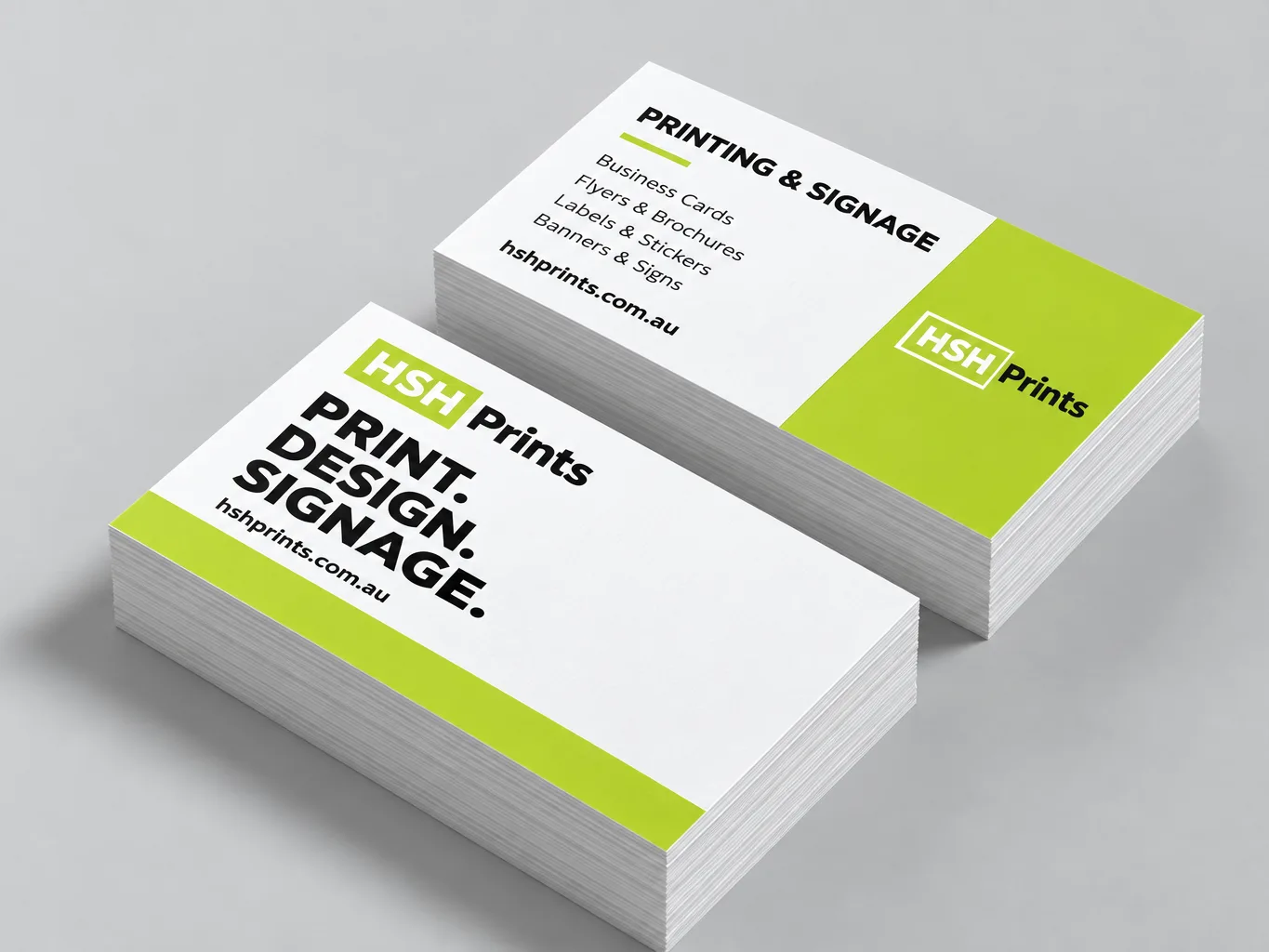
Business cards
3mm
90 × 55mm trim, supply 96 × 61mm
See your proof before we print it. Delivered Australia-wide · approved by you, not by us.
OfferChristmas break: last orders 12pm Tue 15 Dec. Production closes 18 Dec, back 5 JanChristmas dates ends 17 Dec
OfferOn our Christmas break until 5 January. Quotes and special requests still by emailAsk for a quote ends 4 Jan
OfferFree artwork setup on every print order, AI and Canva files welcomeQuick quote
OfferNow delivering Australia-wide, at the same price in every stateDelivery details ends 31 Oct
OfferYour proof carries a private tracking link, so you see where the job is without ringing usHow tracking works
OfferDigital and large-format print quoted the same business dayQuick quote
OfferNearly-ready file? We check it and set it up free with your printDesign and setup
Guide · artwork setup
Three millimetres on every edge, with nothing important closer than 3mm inside the trim. Here is what that means and why files get sent back.
Supply business card artwork at 96 × 61mm for a card that finishes at 90 × 55mm. That is 3mm of bleed on all four sides. Keep text and logos at least 3mm inside the 90 × 55mm trim line.
Proofed before they run
A guillotine is accurate to roughly a millimetre. Without bleed, a slight shift leaves a white edge — and across a run of 500, some cards will show it and some will not, which is worse than a consistent fault.
Business cards
90 × 55mm trim, supply 96 × 61mm
Flyers & brochures
A5, DL and A4 all the same
Pull-up banners
850 × 2000mm exactly, but keep clear of the rail and cassette
Corflute signs
Router cutting is less precise than a guillotine
The most common rejection is not missing bleed. It is text sitting too close to the trim. Missing bleed can usually be fixed by scaling the artwork slightly. Text 1mm from the edge cannot be fixed at all, because there is nowhere for it to move to.
3mm is the minimum, 4mm is what we draw. Our templates mark the safe area 4mm inside the trim rather than 3mm. Nothing has changed about what we accept — 3mm still clears — but a guide is the place to be generous, and the extra millimetre costs a designer nothing.
Our bleed and trim marks tool adds bleed and crop marks to a PDF in your browser — the file is never uploaded, because there is no upload endpoint. If you are not sure whether your artwork is sharp enough as well, run it through the resolution checker.
Simpler still, start from a file that already has all three lines on it: the free print templates are pages at the supply size — 96 × 61mm for a business card, 216 × 303mm for A4 — with the trim and safe area drawn on a layer you delete before exporting. There is a PDF and an SVG for business cards, A3 down to A6, DL, folded brochures and pull-up banners, and you do not need software that understands bleed to use one. Then order the cards when the artwork is done.
Bleed is background artwork extended past the trim line so the guillotine has something to cut into, and 3mm on every edge is the standard for print on paper. A guillotine is accurate to roughly a millimetre. Without bleed, a slight shift leaves a white edge — and across a run of 500, some pieces show it and some do not, which is worse than a consistent fault.
Flyers and brochures need 3mm of bleed on every edge, the same as business cards, and that is the same at DL, A5 and A4. On a folded brochure, keep anything important 3mm clear of every fold as well as every edge.
Corflute signs need 5mm of bleed on every edge rather than 3mm, because router cutting is less precise than a guillotine. The same 5mm applies to A-frame panels, which are cut the same way. Corflute signs are five for $160 including GST and delivery.
A pull-up banner is supplied at 850 × 2000mm with no bleed, and the bottom 100mm of that is a keep-clear zone rather than extra height — it rolls into the cassette and is never seen once the banner is standing. Allow 50mm at the top for the rail and 15mm at each side as well, which leaves a safe zone of about 820 × 1850mm. The artwork itself still has to fill the whole 2000mm. Our pull-up banner template has every one of those lines drawn on it.
Keep text and logos at least 3mm inside the trim line, which is what the safe area means. The most common reason a print file gets sent back is not missing bleed — it is text sitting too close to the trim. Missing bleed can usually be fixed by scaling the artwork slightly; text 1mm from the edge cannot be fixed at all, because there is nowhere for it to move to.
Usually yes — missing bleed on a simple layout can be added by scaling the artwork slightly, and we check every file before you pay rather than after. The check runs in your browser and reports the problem in millimetres. You can also run the file through the free bleed and trim marks tool yourself first; it never uploads anything, because there is no upload endpoint.
Extend the background colour or image past the trim line by 3mm on every edge (5mm for corflute signs), then export the PDF with the page size set to the trim size plus the bleed. If your file has no bleed, the free add bleed and trim marks tool adds it in your browser, and nothing is uploaded.
Crop marks, also called trim marks, are the small lines outside the page corners that show where the sheet is cut. We trim to the size on your order, so you do not need to include them; if you do, they must sit outside the bleed, not inside the artwork. The same free tool can add them.
Free, in the browser
Last updated .