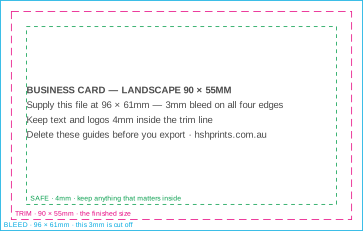
Business card Landscape
The Australian standard card, printed both sides.
- Finished size
- 90 × 55mm
- Supply your file at
- 96 × 61mm
- Keep text
- 4mm inside the trim
See your proof before we print it. Delivered Australia-wide · approved by you, not by us.
OfferChristmas break: last orders 12pm Tue 15 Dec. Production closes 18 Dec, back 5 JanChristmas dates ends 17 Dec
OfferOn our Christmas break until 5 January. Quotes and special requests still by emailAsk for a quote ends 4 Jan
OfferFree artwork setup on every print order, AI and Canva files welcomeQuick quote
OfferNow delivering Australia-wide, at the same price in every stateDelivery details ends 31 Oct
OfferYour proof carries a private tracking link, so you see where the job is without ringing usHow tracking works
OfferDigital and large-format print quoted the same business dayQuick quote
OfferNearly-ready file? We check it and set it up free with your printDesign and setup
Free · no account · no email address
These templates open in your browser and download as PDF or SVG — nothing is uploaded. Pick the finished size, keep your artwork inside the trim and safe lines, and delete the guides layer before you export.
No design yet? Start from a finished one and edit it free online, at the right size with the bleed already in.
Finished designs · edit free online
Pick a design, change the words, add your logo. It opens in our free online designer at the exact print size, bleed included — press Done and the print file goes with your order. You approve a proof before anything prints.
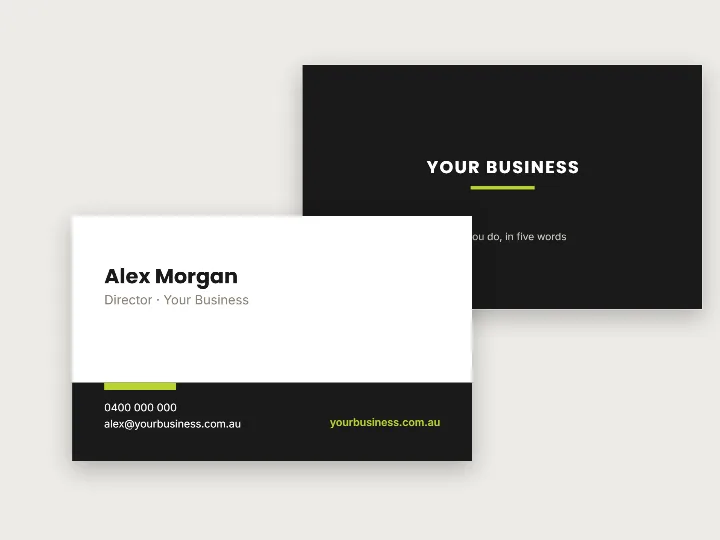
Contact band · edit it free

Cleaning checklist · edit it free

Outdoor film night · edit it free
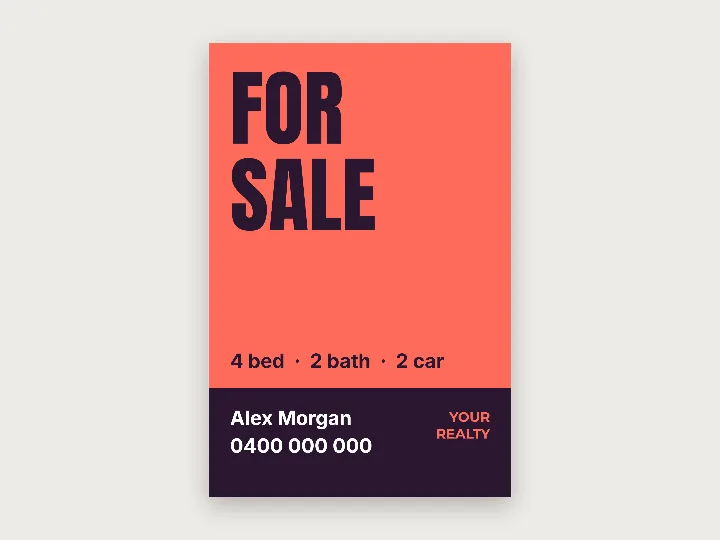
For sale · edit it free
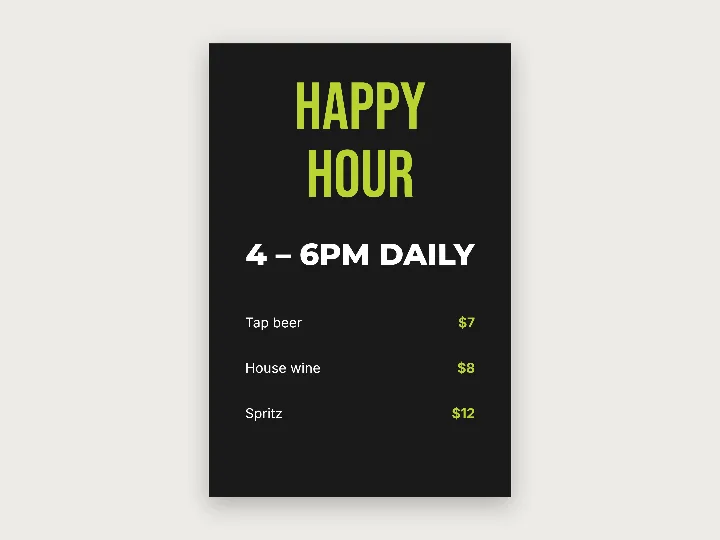
Happy hour · edit it free
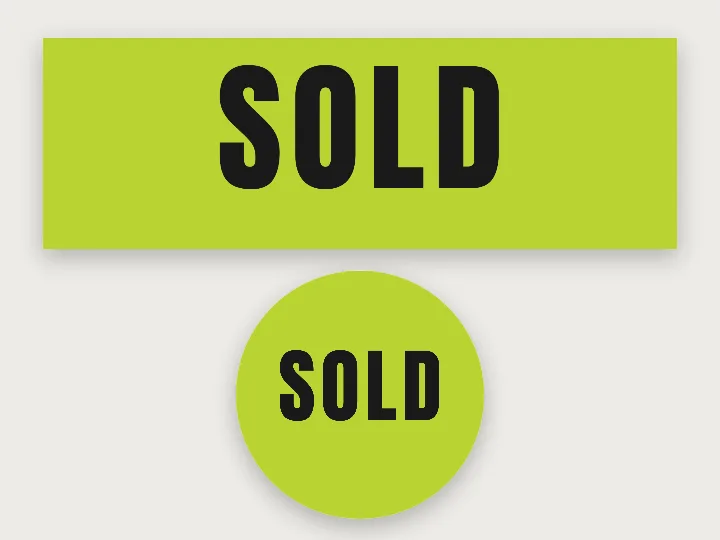
SOLD, bold · edit it free
See all 327 free designs across 31 products — cards, flyers, signs, banners, stickers and more.
Trim
The finished piece. What you hold. Marked on the template as a dashed magenta line.
Bleed
Background carried past the trim so the guillotine has something to cut into. It is the page edge, in cyan.
Safe area
Where text and logos stop. In green. 3mm is the minimum we will accept; 4mm is what we draw, because a millimetre of slack is free.
There are no crop marks on these templates, and that is deliberate. The page is already the bleed size, so there is nowhere outside it to put marks — and the PDF carries a trim box, which is how a press actually knows where to cut. If you have a finished file that needs marks drawn on it, use the bleed and trim marks tool instead.
Flat sheets, cut on a guillotine. 3mm bleed, 4mm safe area.
The Australian standard card, printed both sides.
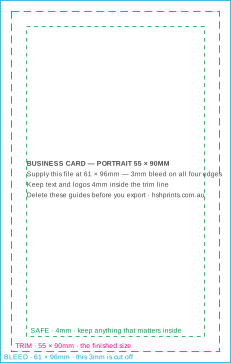
The same card, turned. Set both sides the same way up.
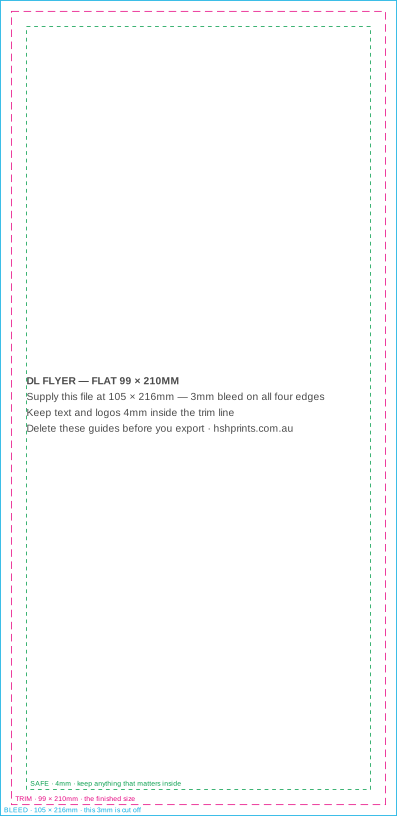
A third of an A4 sheet, and the size that fits a standard envelope.
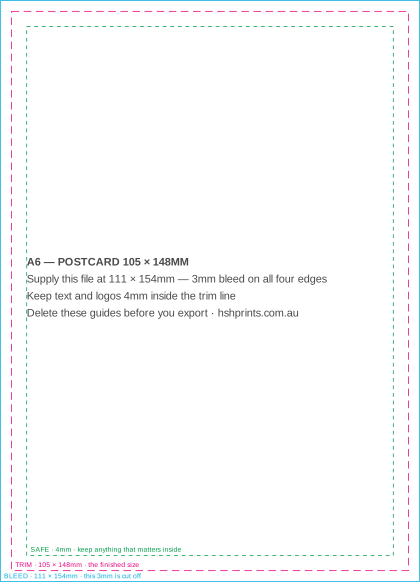
Postcards, handbills and loyalty cards.
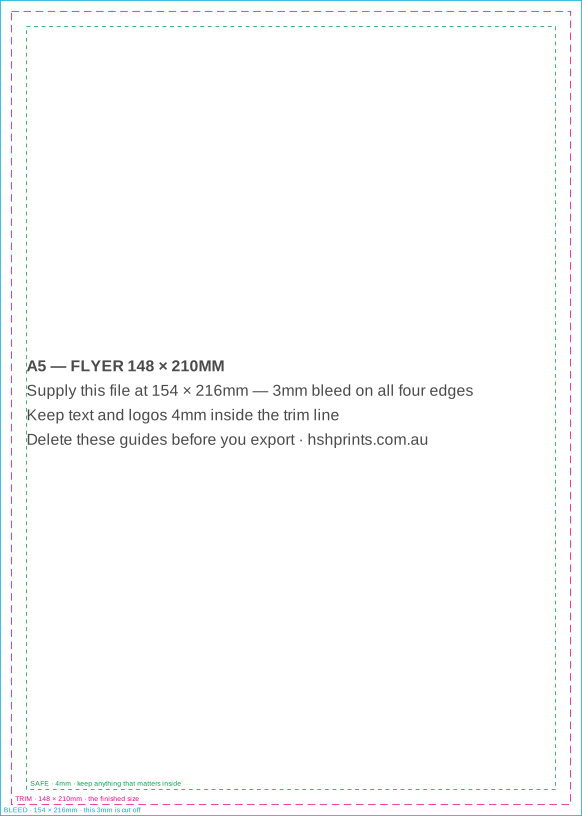
The most ordered flyer size. Half an A4.
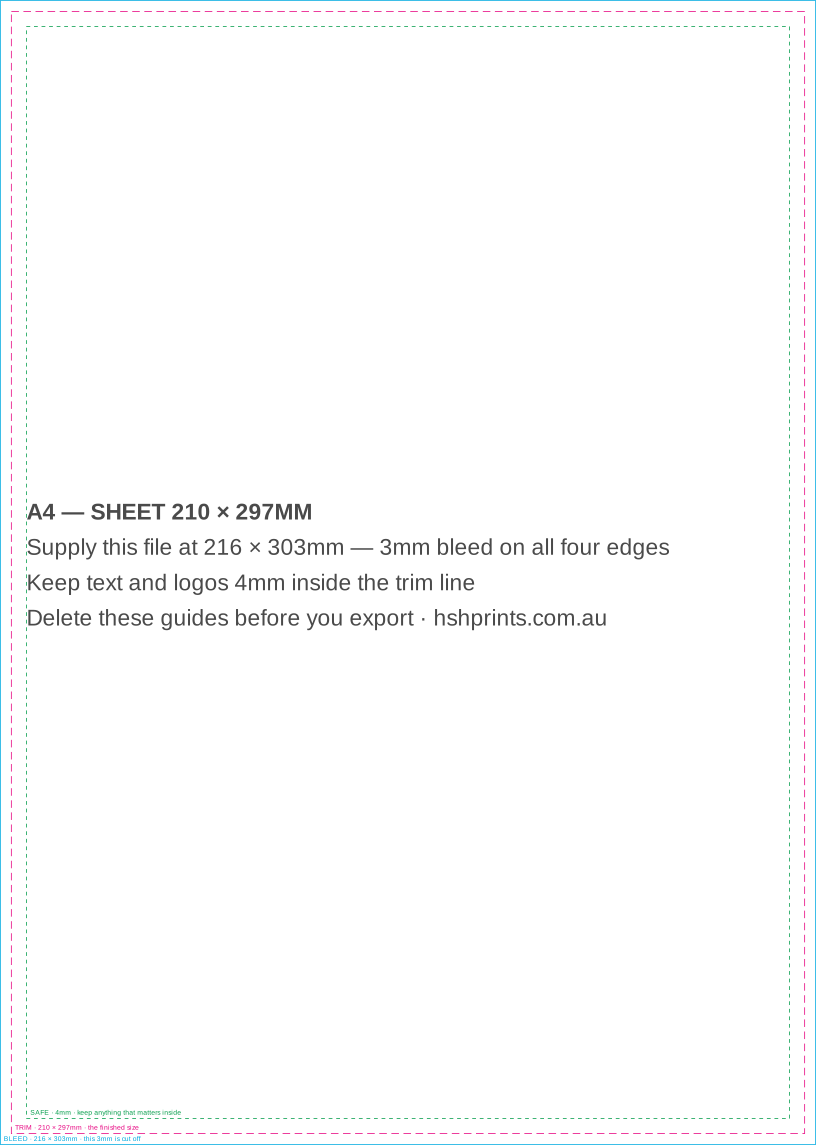
Menus, sell sheets, and the flat size of a folded A5 brochure.
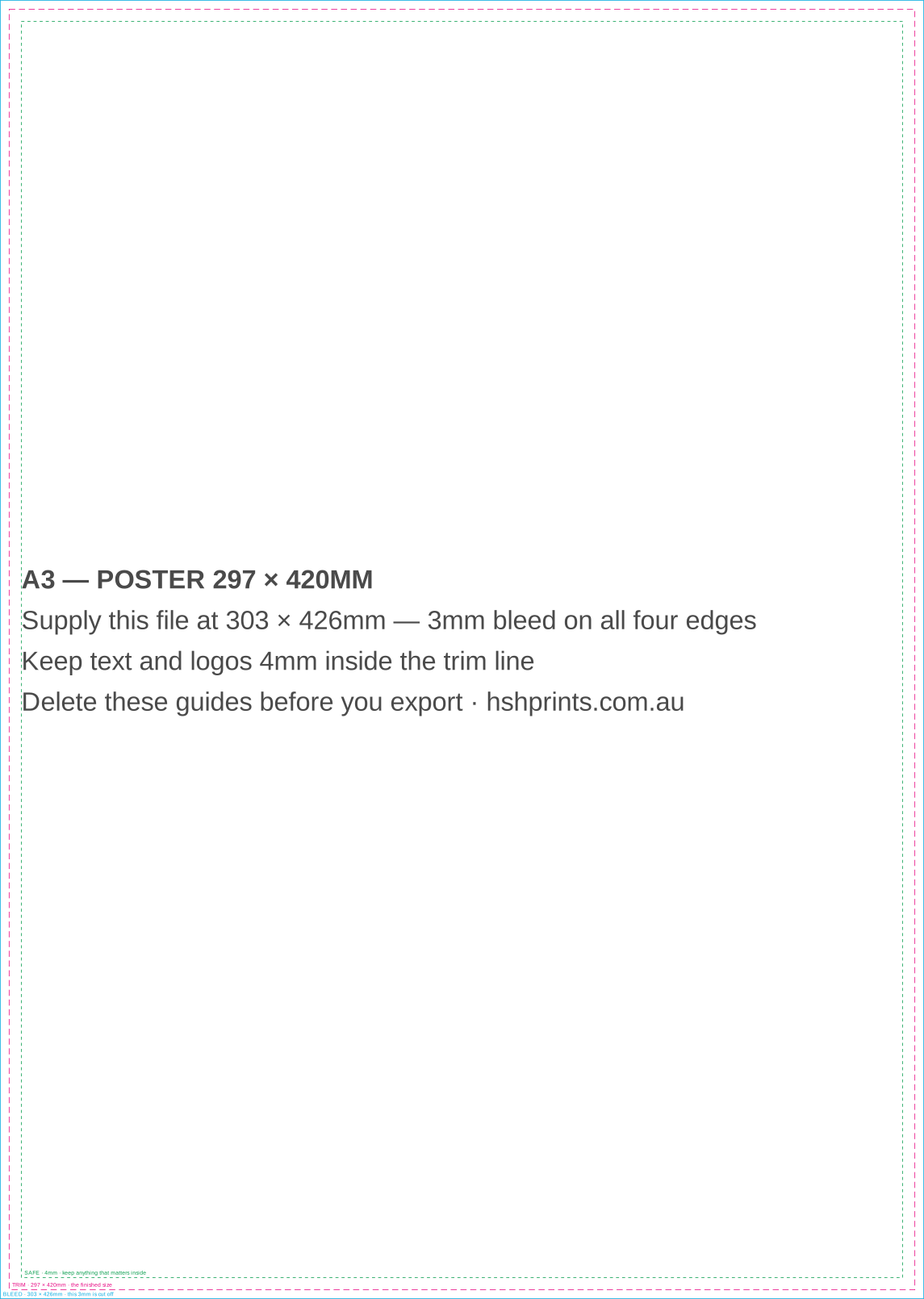
Window posters and counter signage. Two A4s.
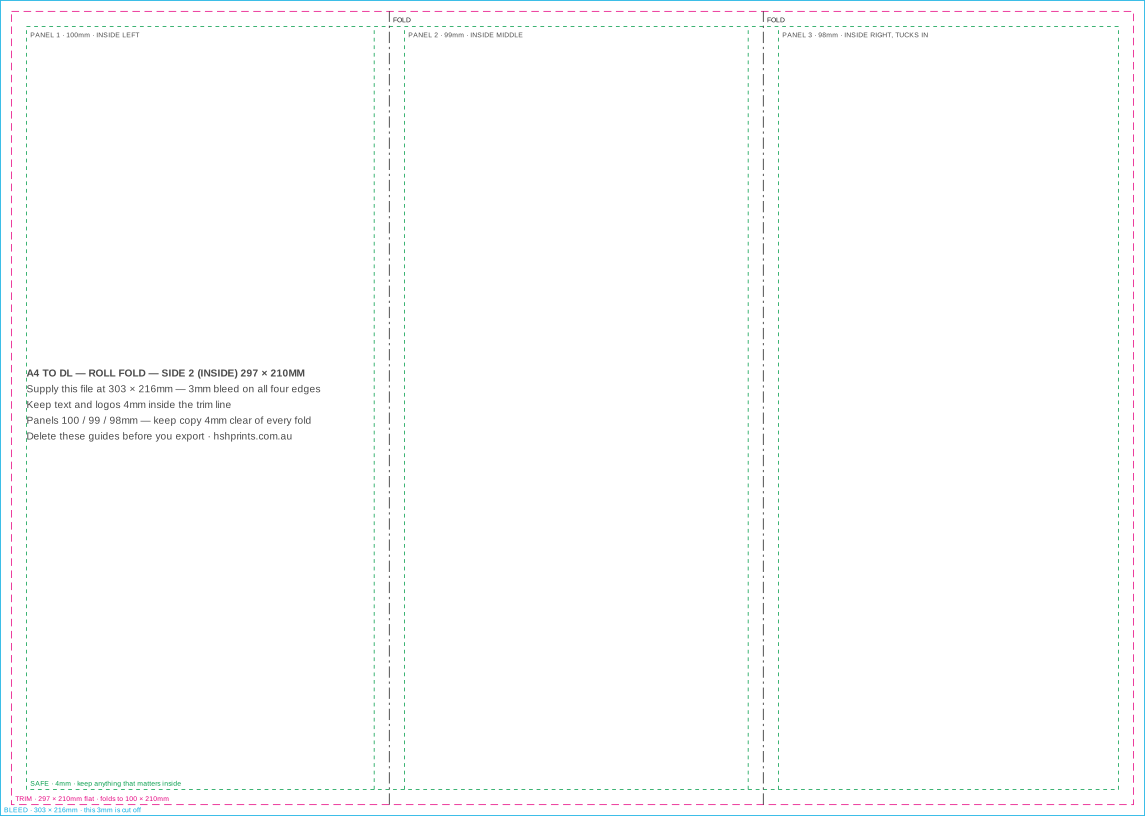
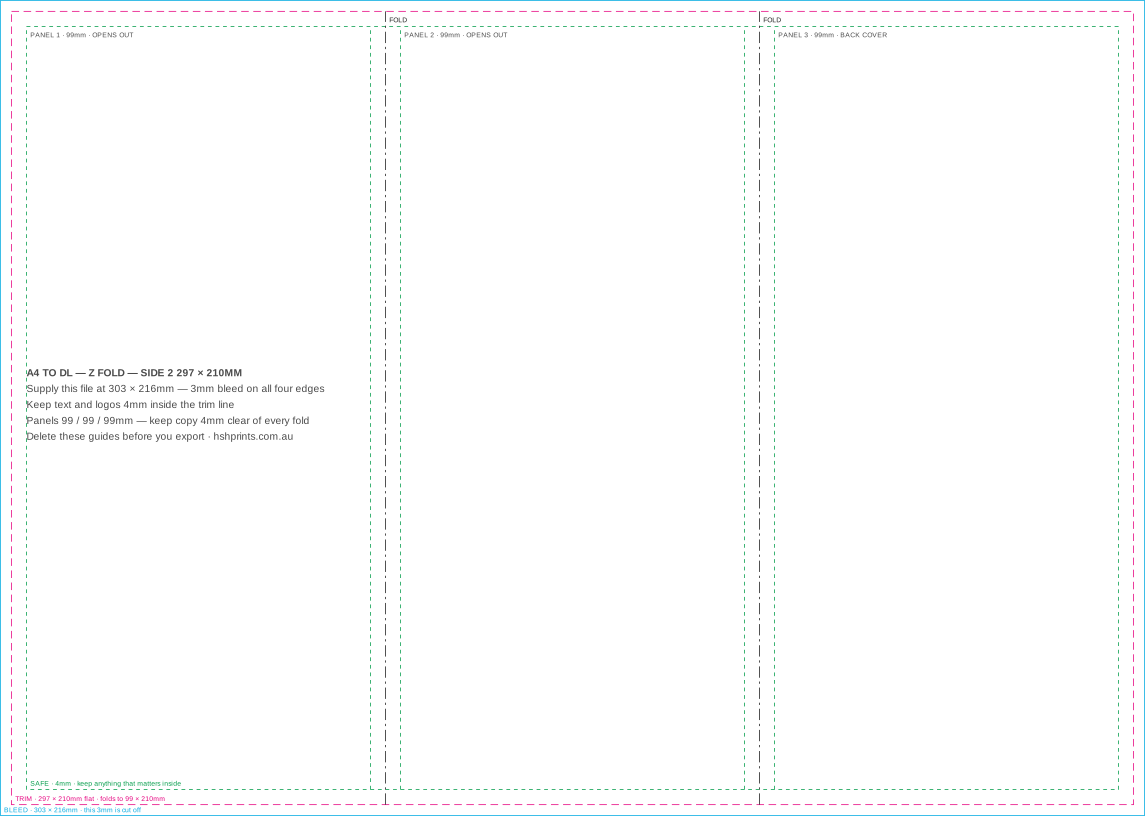
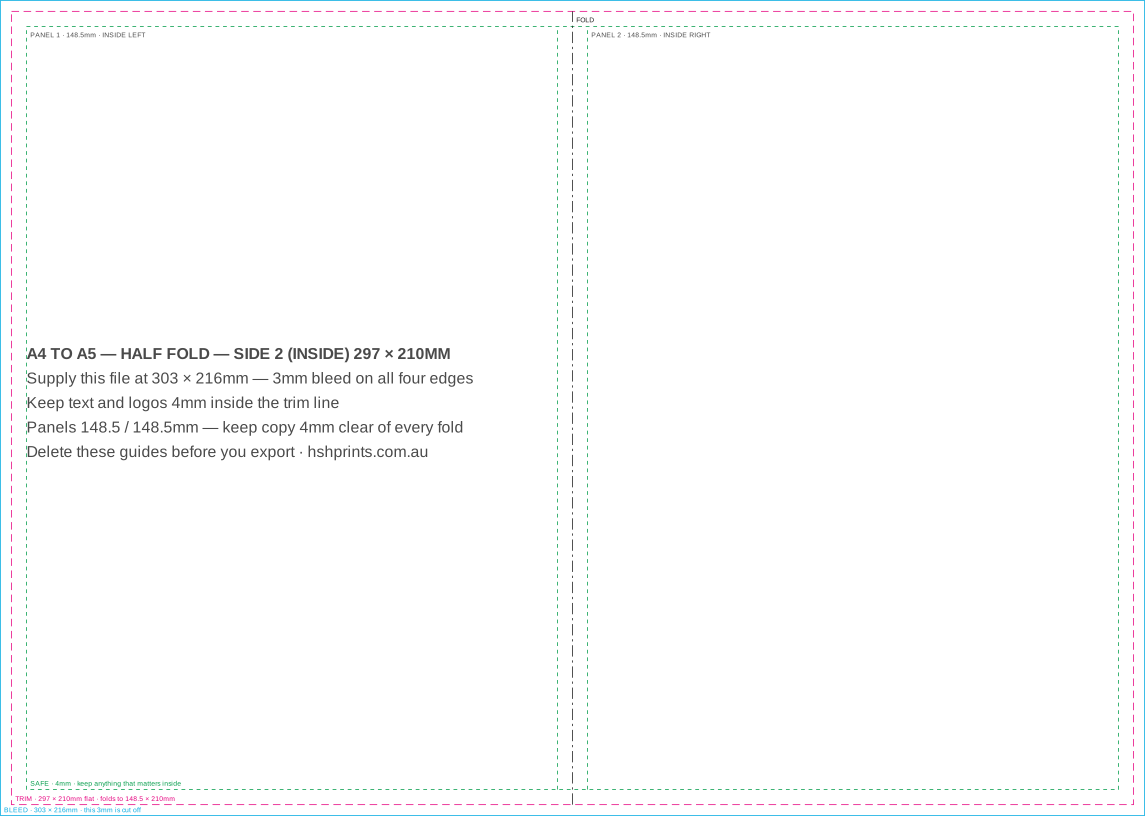
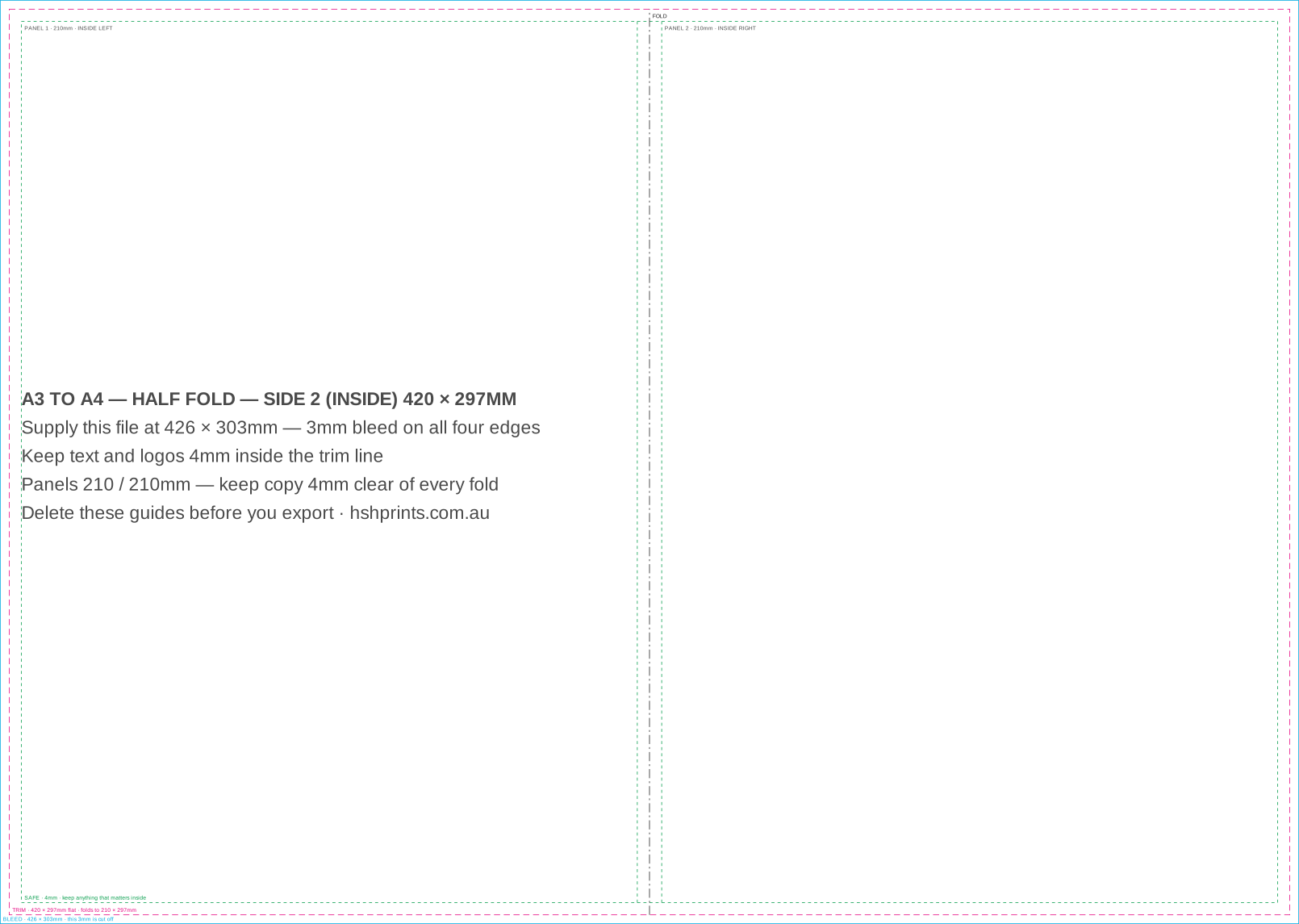
Flat sheets that fold down to DL, A5 or A4. Each side is its own page, because on a roll fold the panels mirror. Each panel is labelled with what it becomes: front cover, back cover, the flap that tucks in.
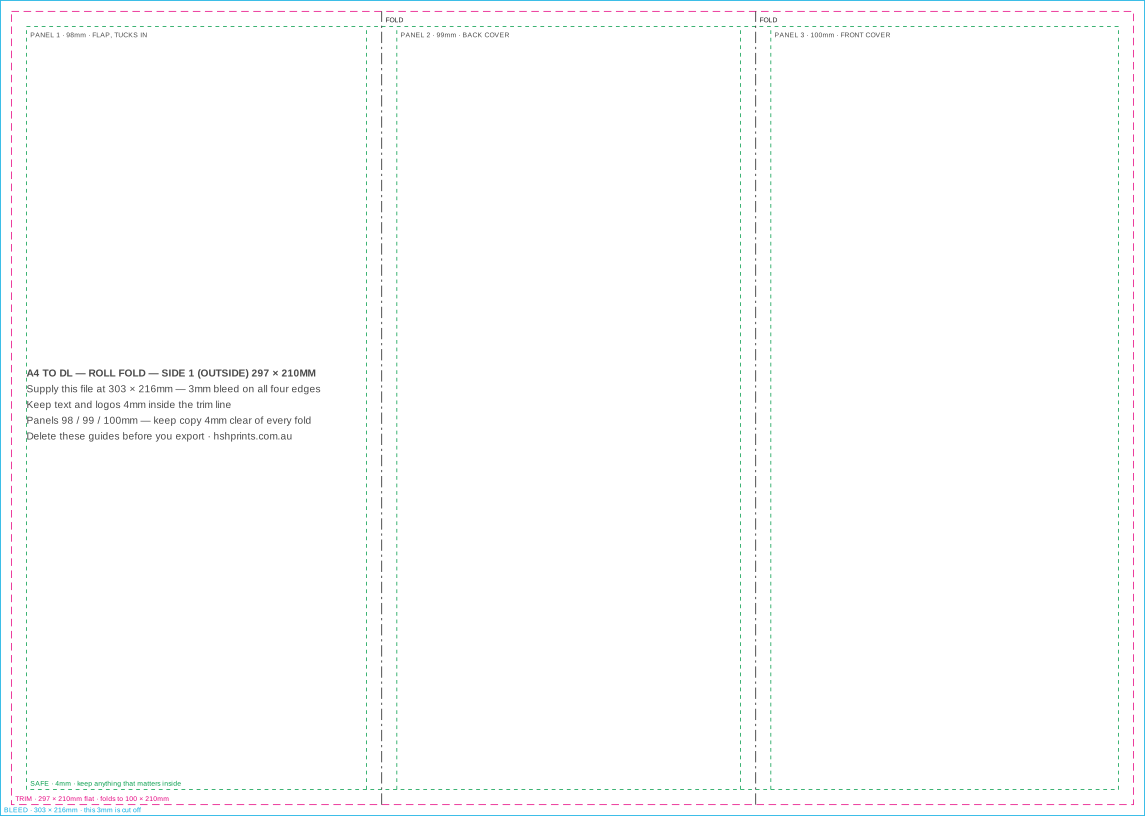
Three panels that wrap inside each other. The tucked panel is narrower.
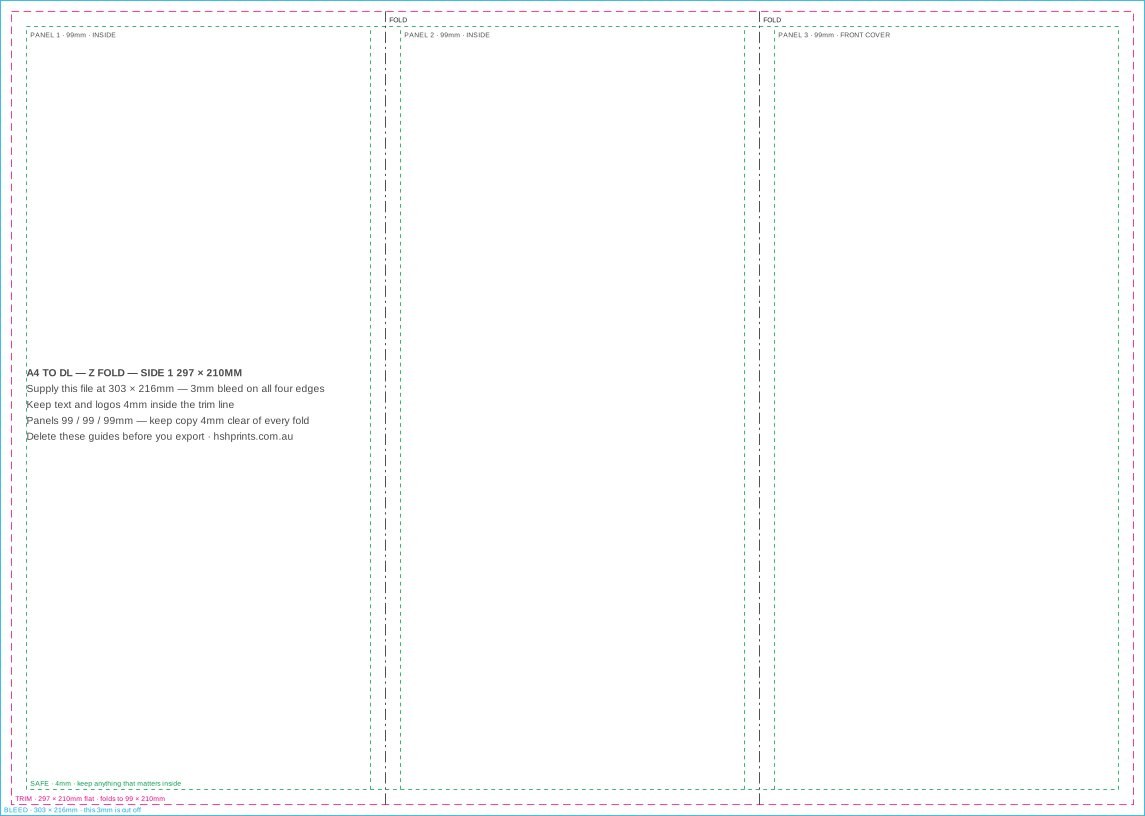
Three equal panels, concertina folded. Nothing tucks, so nothing shrinks.
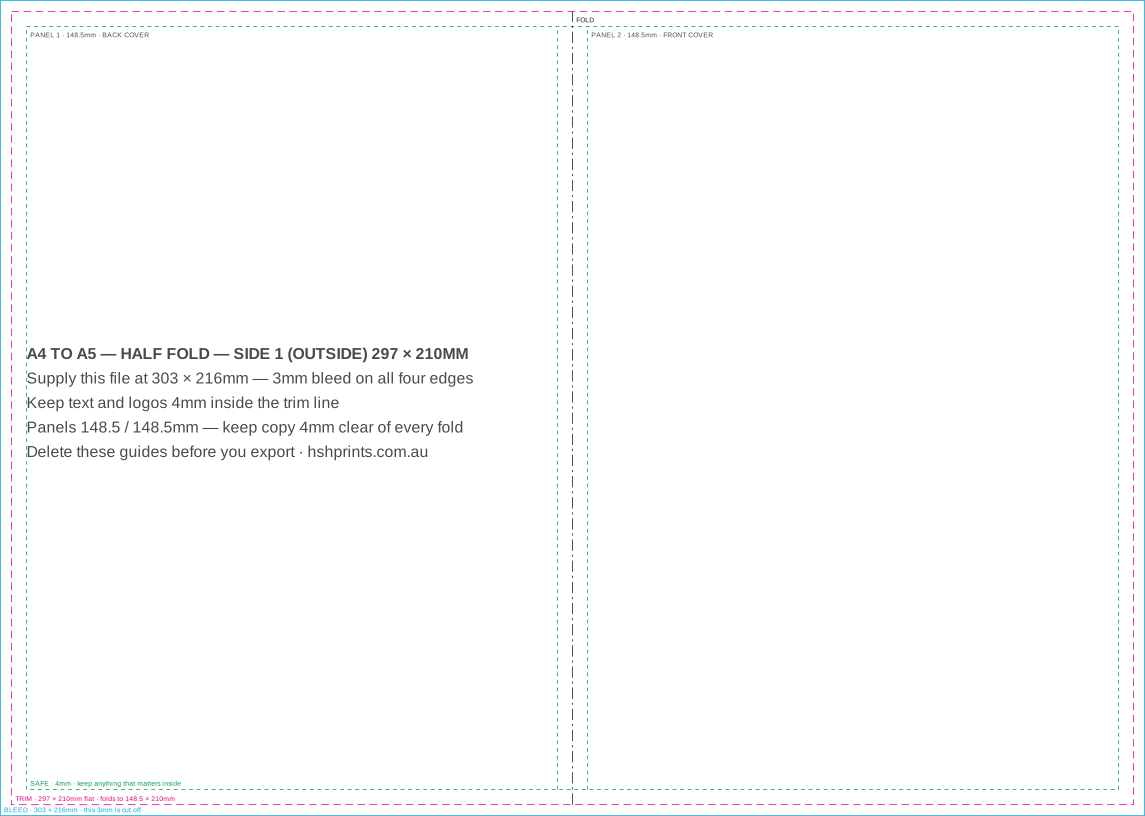
One crease, four A5 pages. The dine-in menu, the program, the price list.
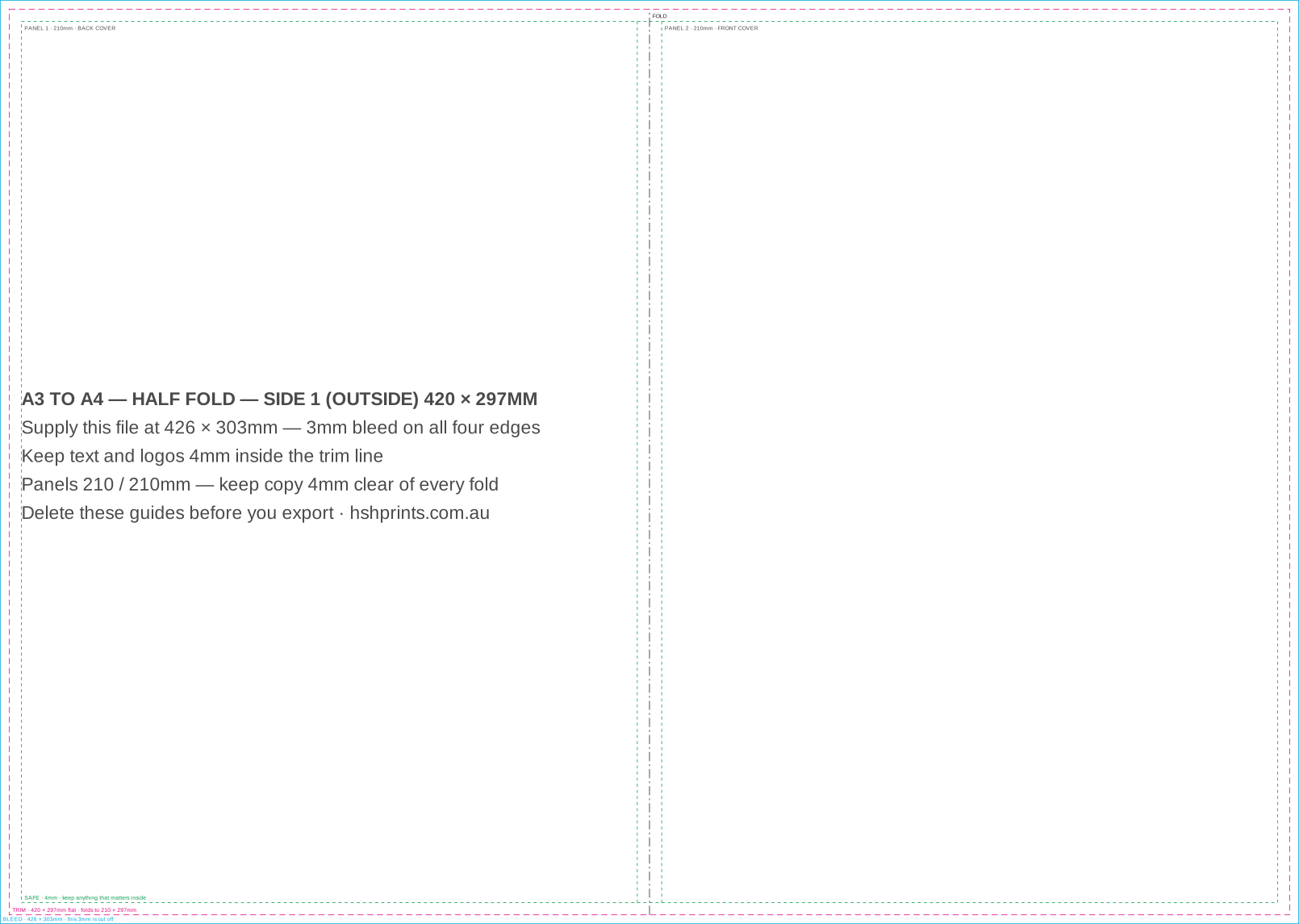
One crease, four A4 pages. A dine-in menu with room for the whole kitchen.
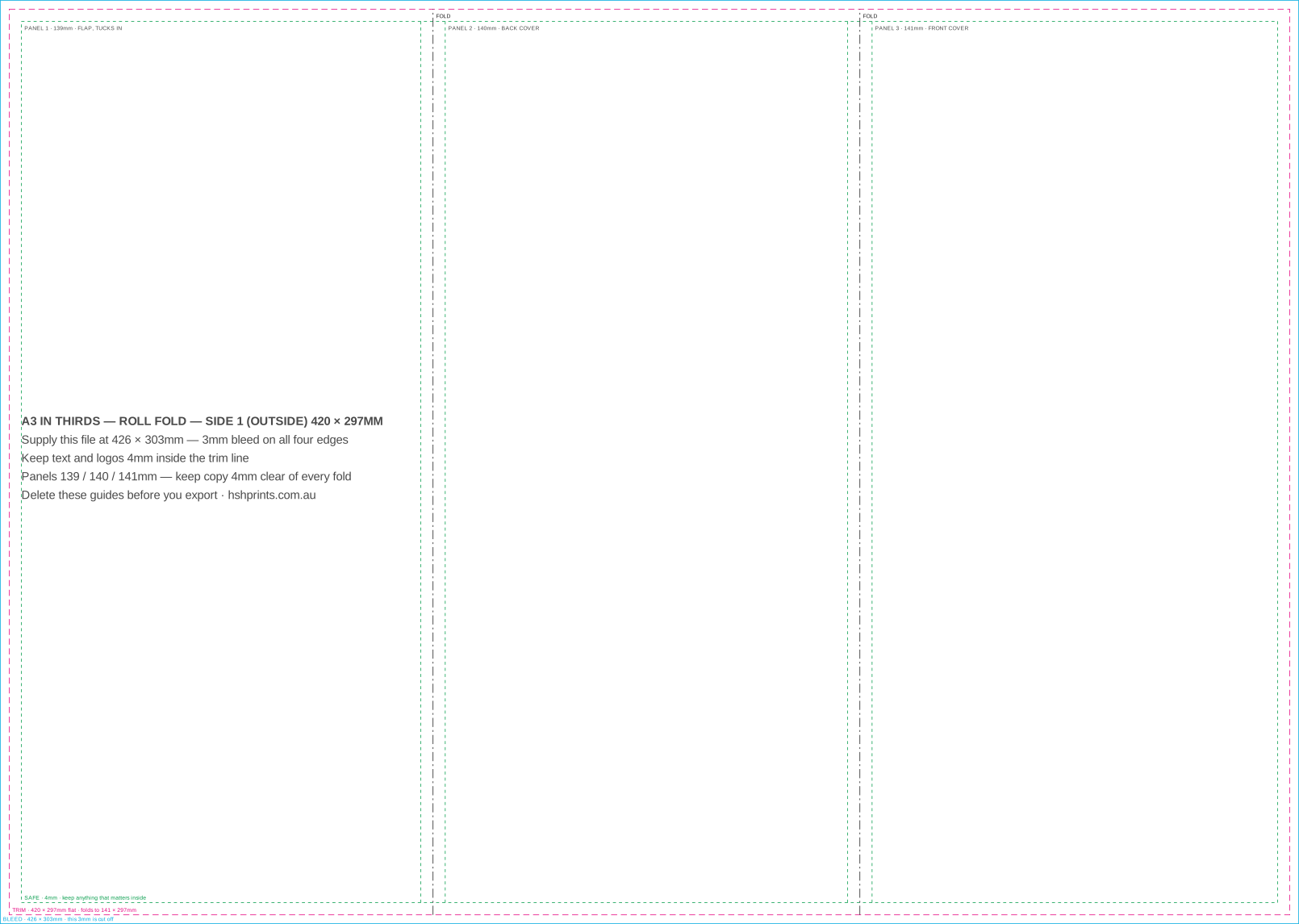
Three tall panels that wrap inside each other. The tucked panel is narrower.
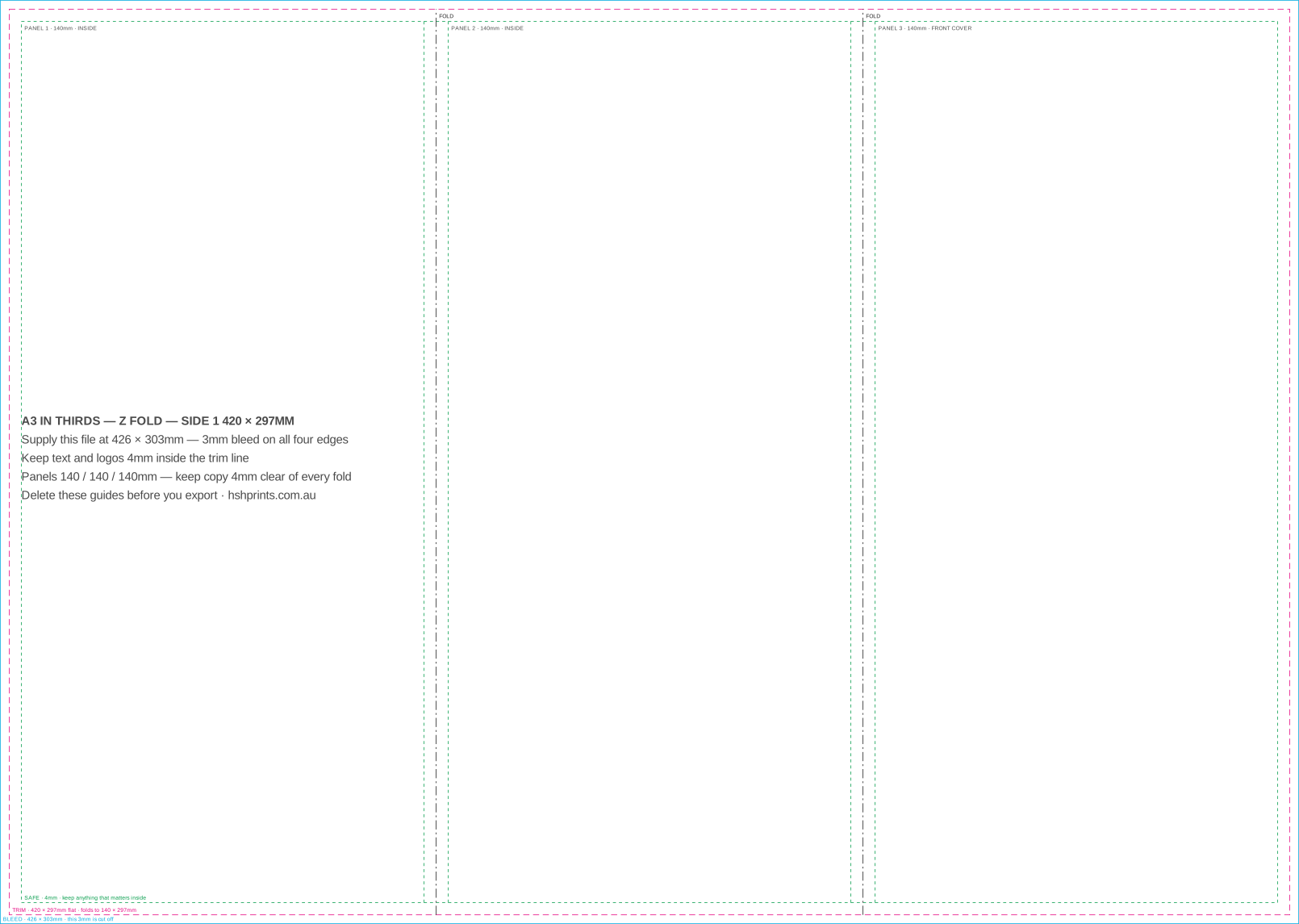
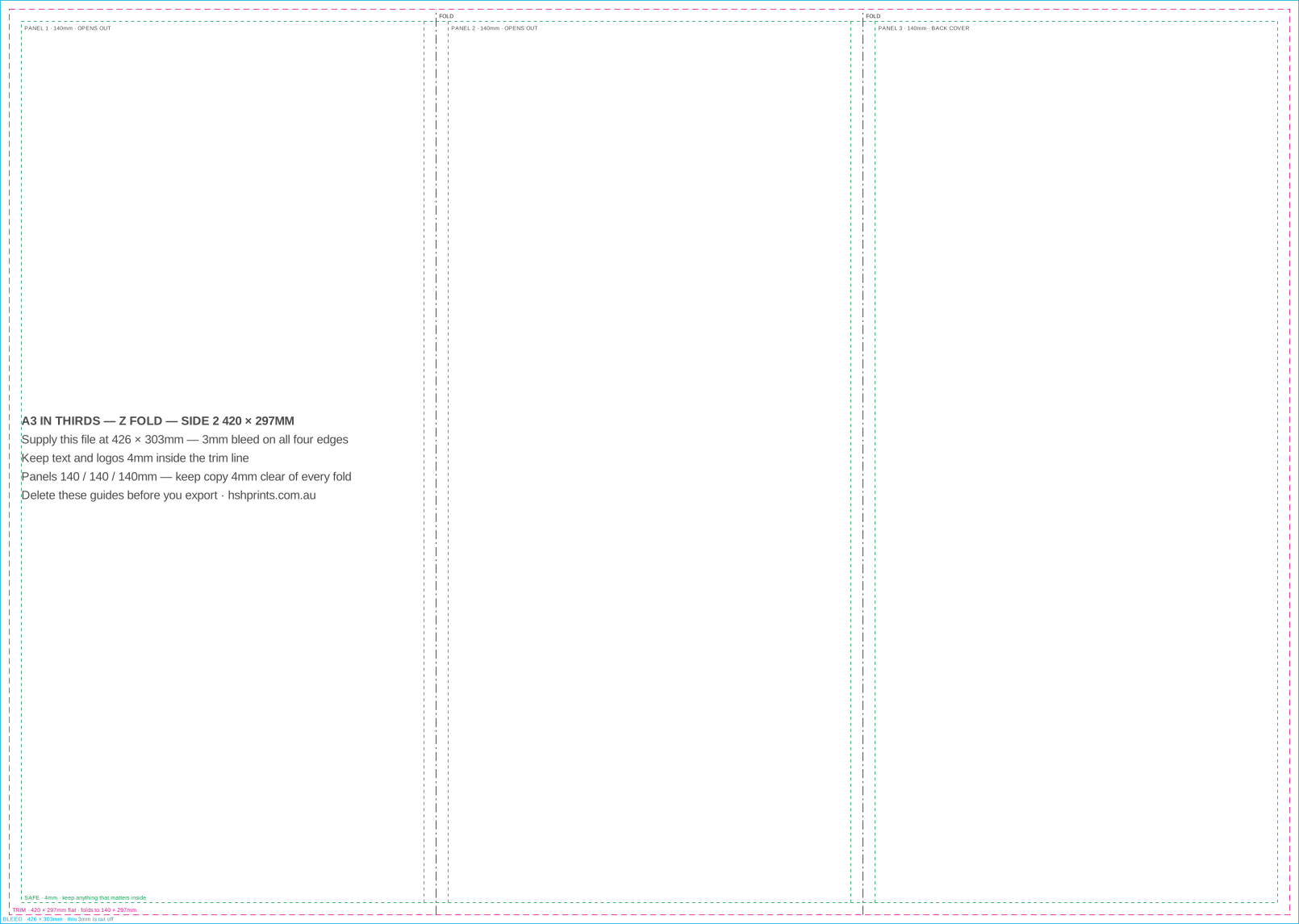
Three equal 140mm panels, concertina folded. Nothing tucks, so nothing shrinks.
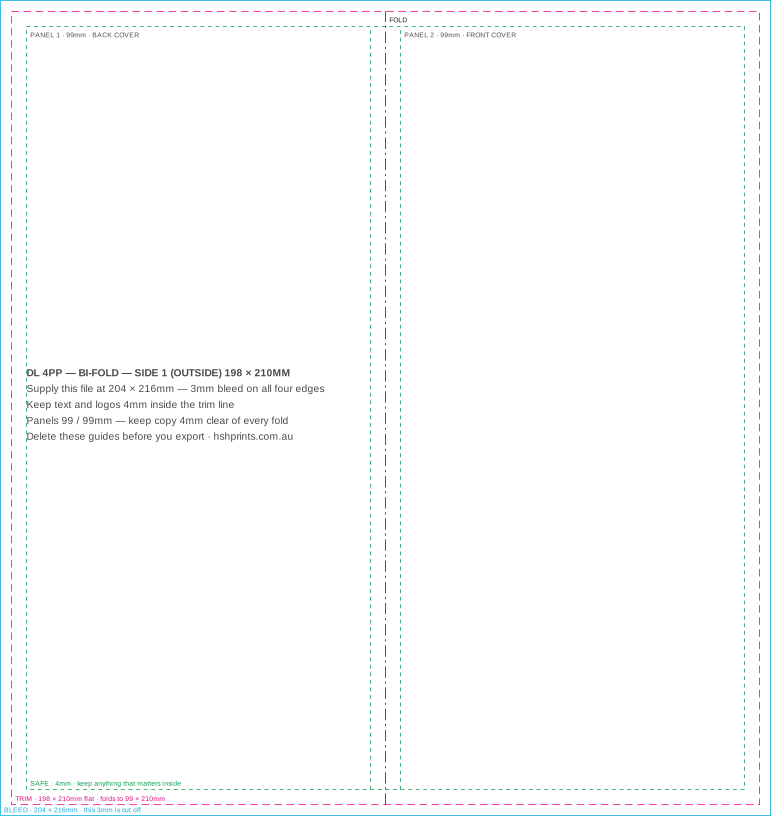
Two DL panels and one crease. Nothing wraps anything, so both panels are equal.
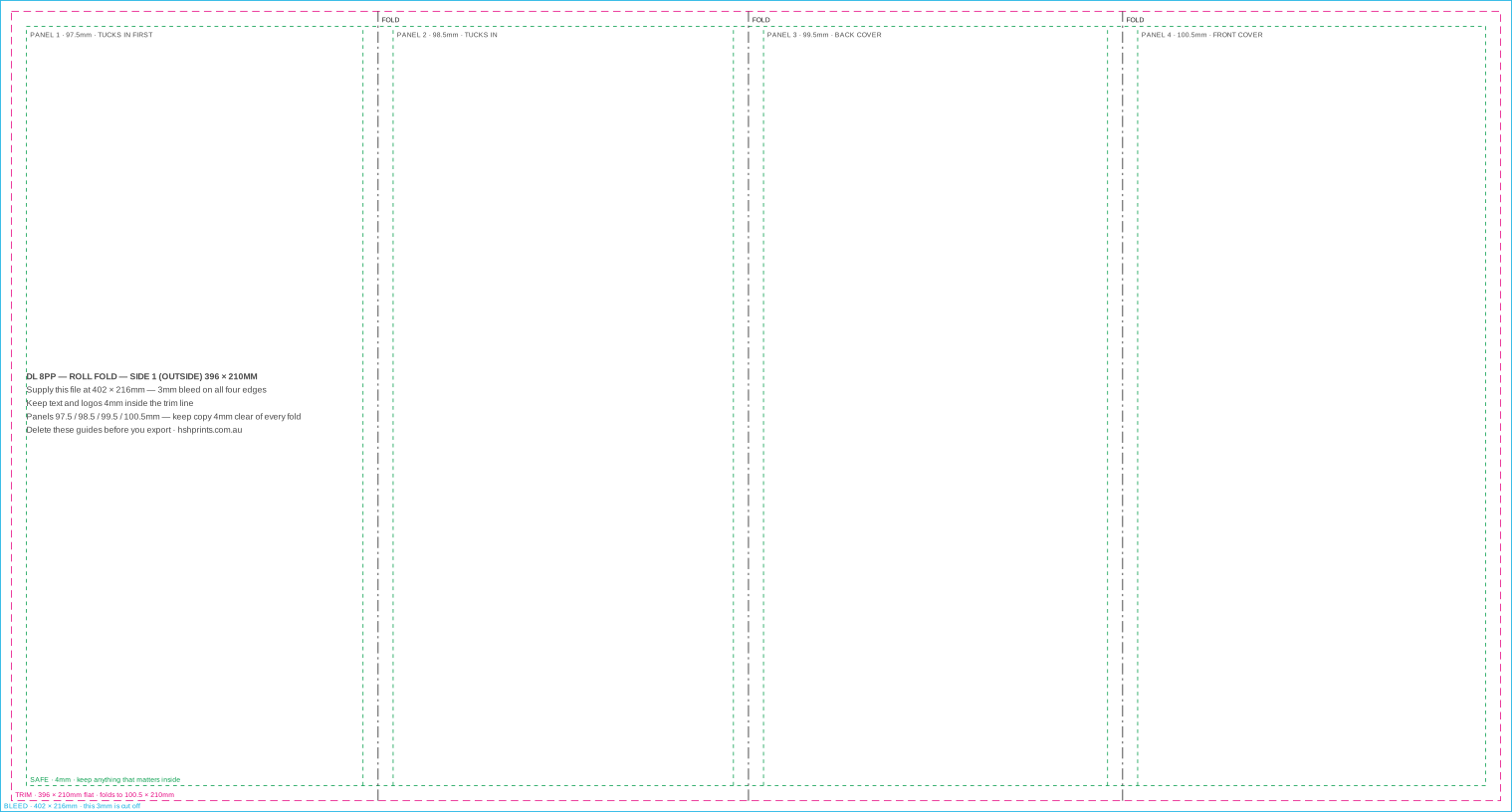
Four panels rolling inside each other. Each one tucks into the last, so each one is narrower.
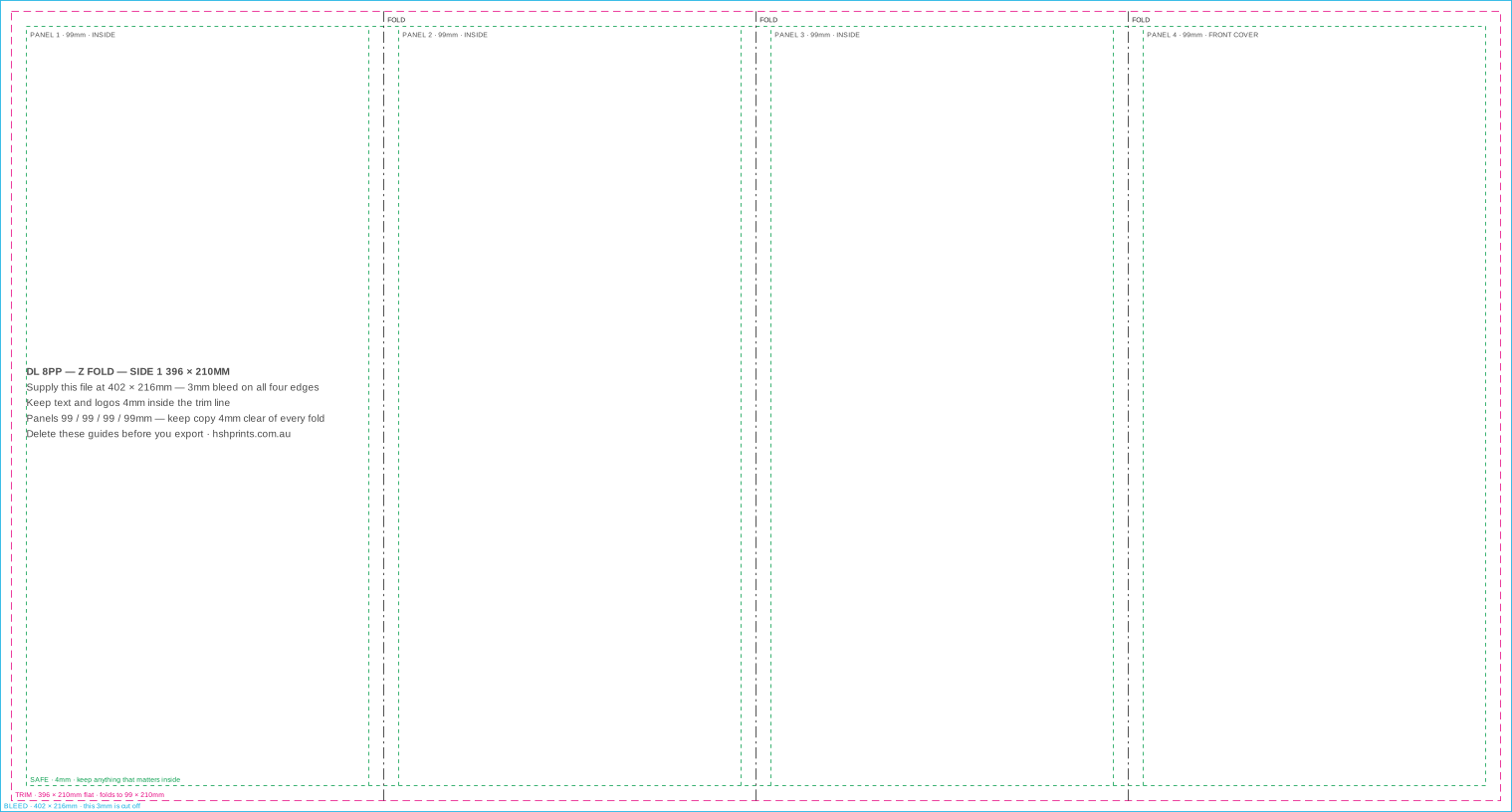
Four equal DL panels, concertina folded. Opens flat, so nothing tucks and nothing shrinks.
Trimmed sheets at wide-format sizes. 3mm bleed, and a 10mm safe area because type near the edge is the first thing a frame or a window rail hides.
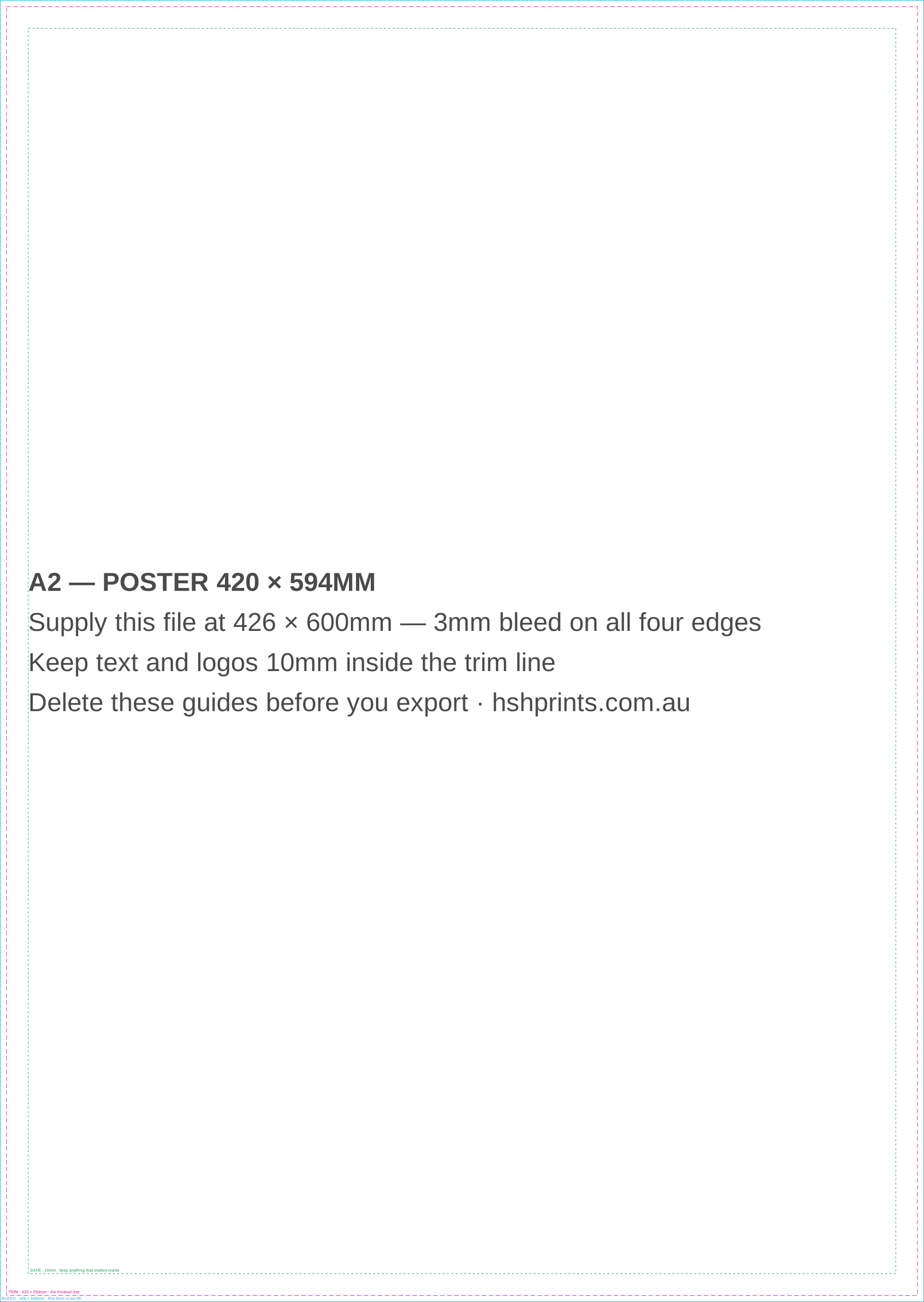
The smallest poster size, and the one for a shop window or a noticeboard.
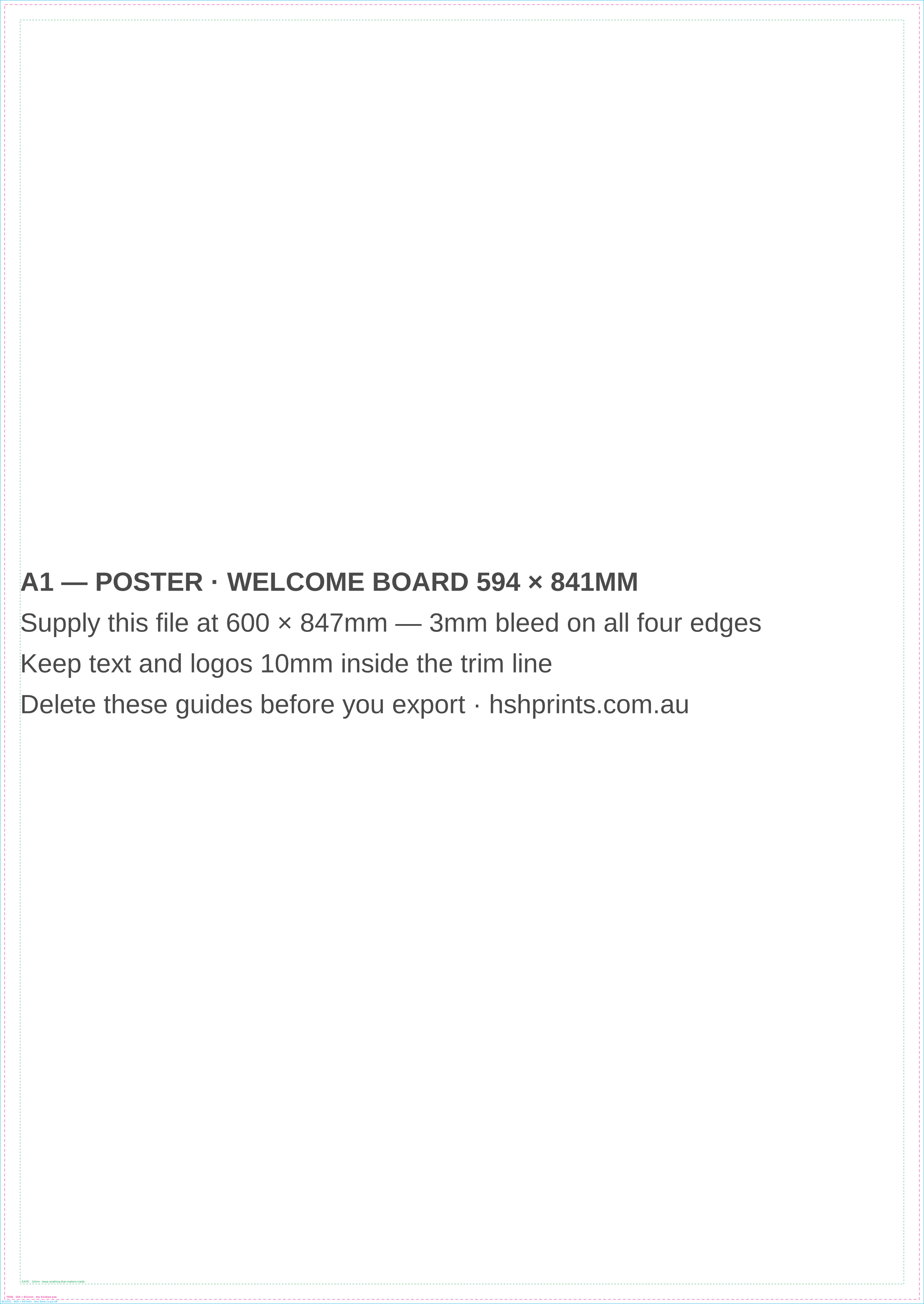
Events, foyers and the size a wedding welcome board is made at on foam board.
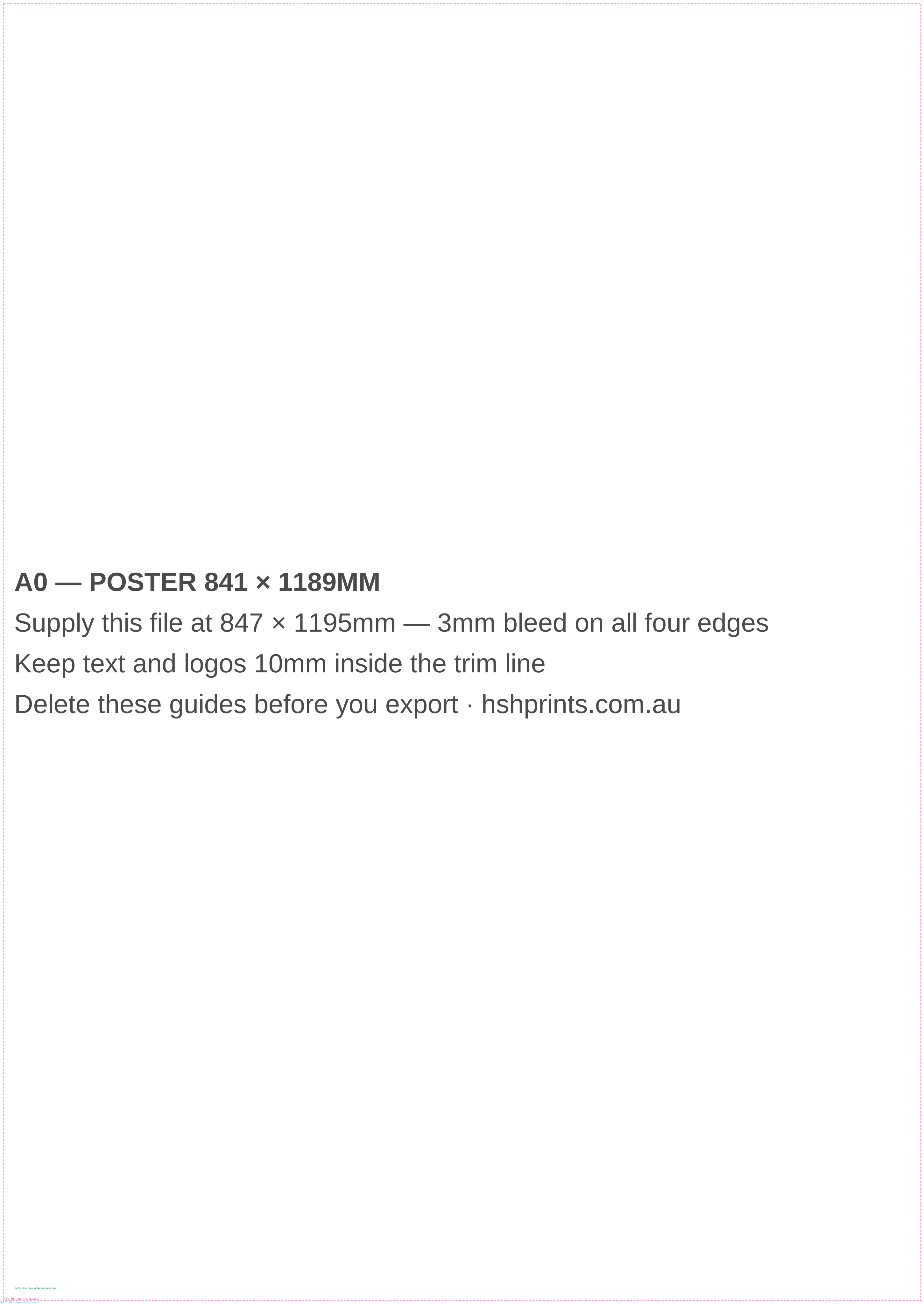
Read from across a hall. Set type large; a metre away is close for this size.
Printed to the finished width, so there is no bleed. What there is instead is hardware to keep clear of.

Fill the whole page, but keep everything that matters out of the rail and the cassette.
Cut on a die: 3mm bleed, 3mm safe, and a 5mm hole at the top centre with an 11mm circle round it to keep clear. The cut line follows the shape.
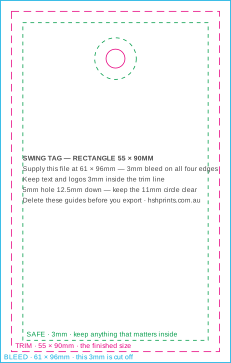
The classic tag. Print both sides: brand on the front, price and care on the back.
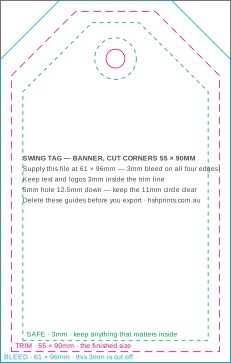
The luggage-label shape: the top corners cut away at 45 degrees, 17mm down each side.
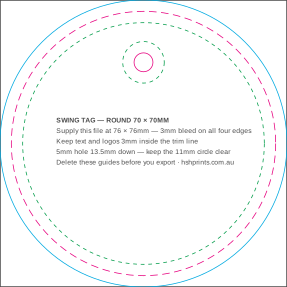
A 70mm disc. Keep the type in the middle: the circle takes the corners a rectangle would give you.
Cut on a router, not a guillotine, so 5mm bleed. Eyelets go in the corners and the A-frame lip covers the edge: keep 15 to 20mm clear.
The universal real estate board. Eyelets go in the corners, so keep type off them.
The same board turned, for a fence line or a wall where the message reads wide.
The main-road board. Twice the area of a 600 × 900, read from a moving car.
The replaceable corflute insert. The frame lip covers the outer 20mm, so nothing that matters goes there.
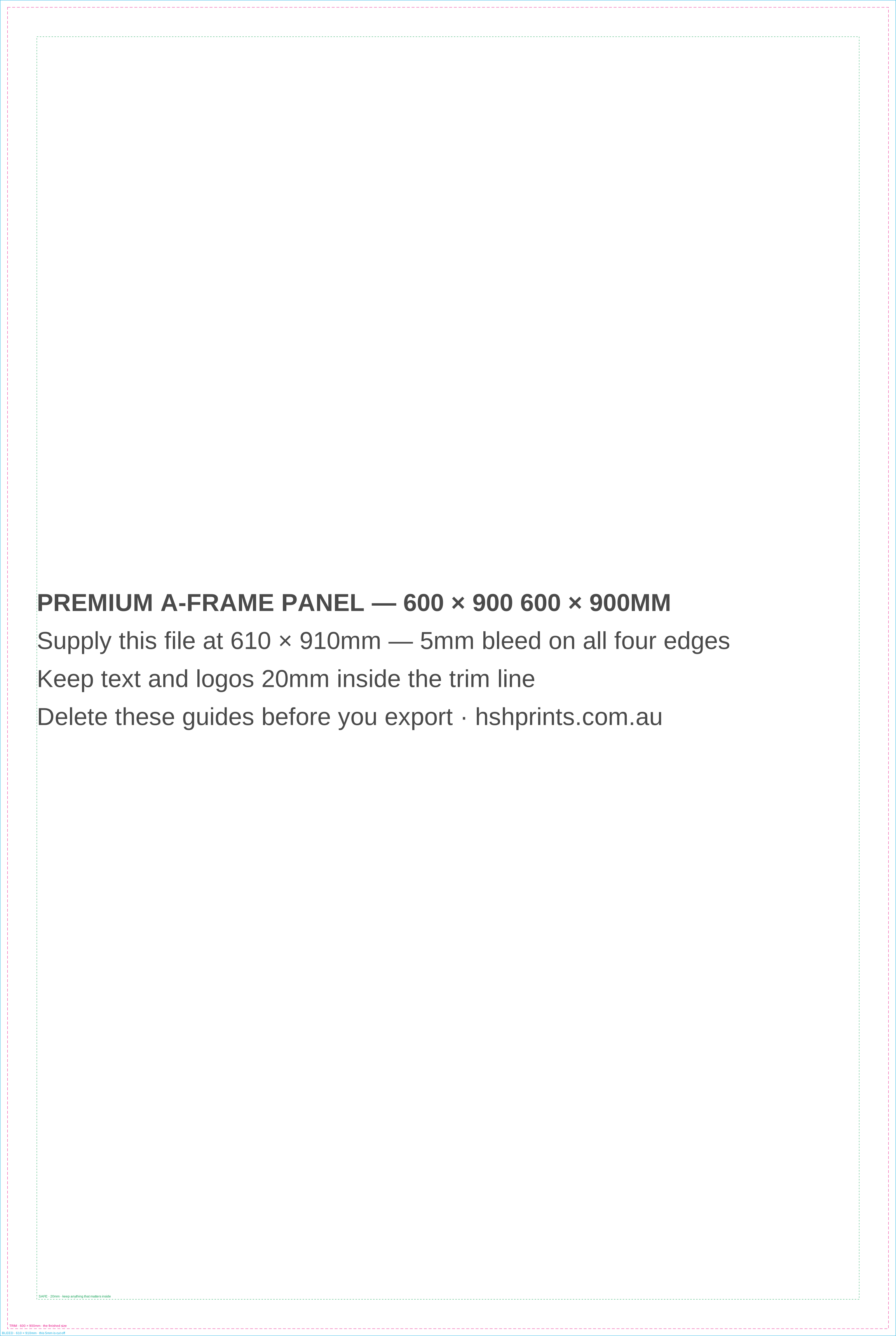
The laminated aluminium composite panel, one per side. Printed edge to edge, so the full bleed matters.
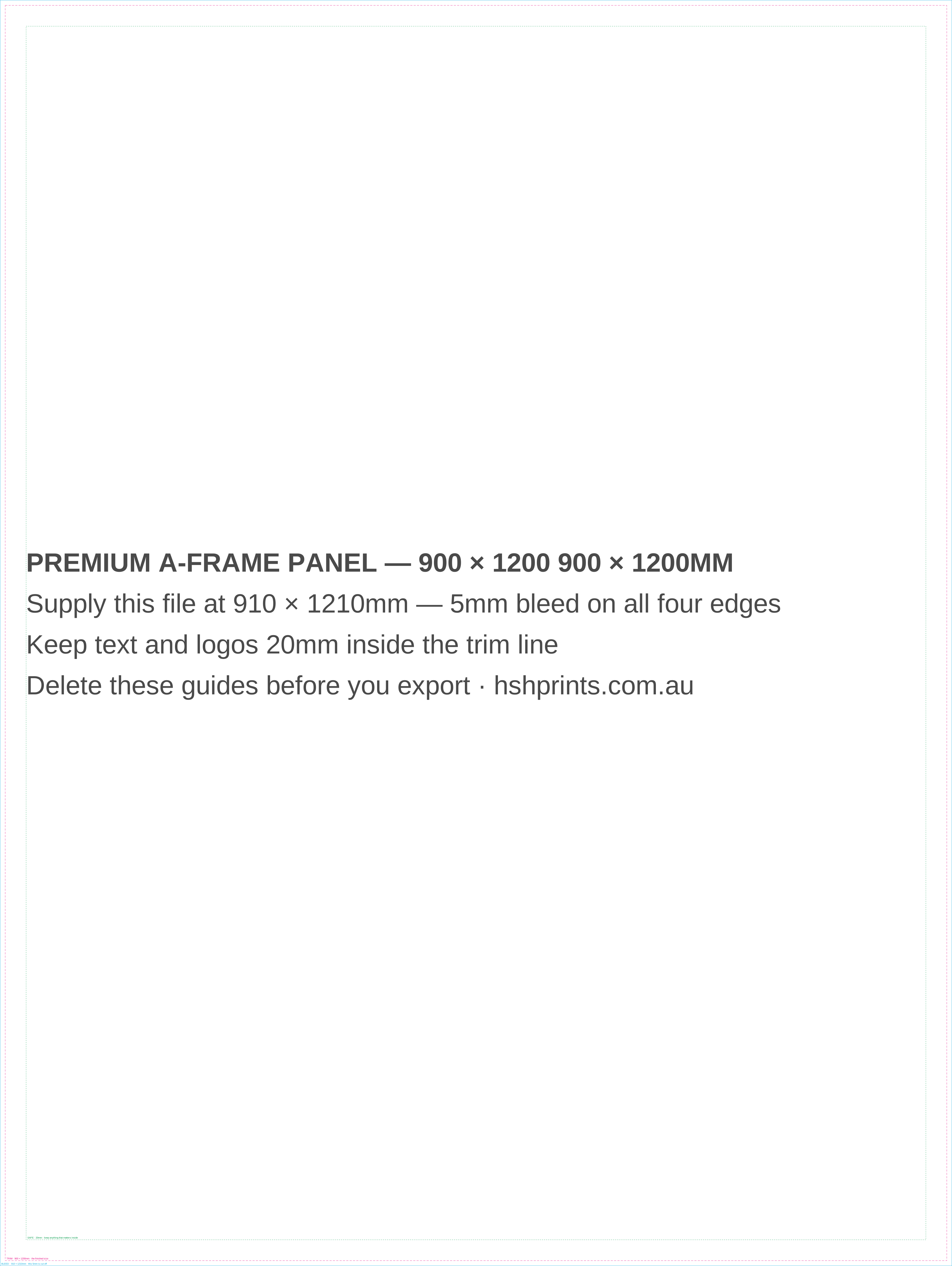
The large premium panel, read from across a street. Same build, one per side.
Printed at the finished size and hemmed, so there is no bleed. The hem and the eyelets take the outer 50mm on every edge.
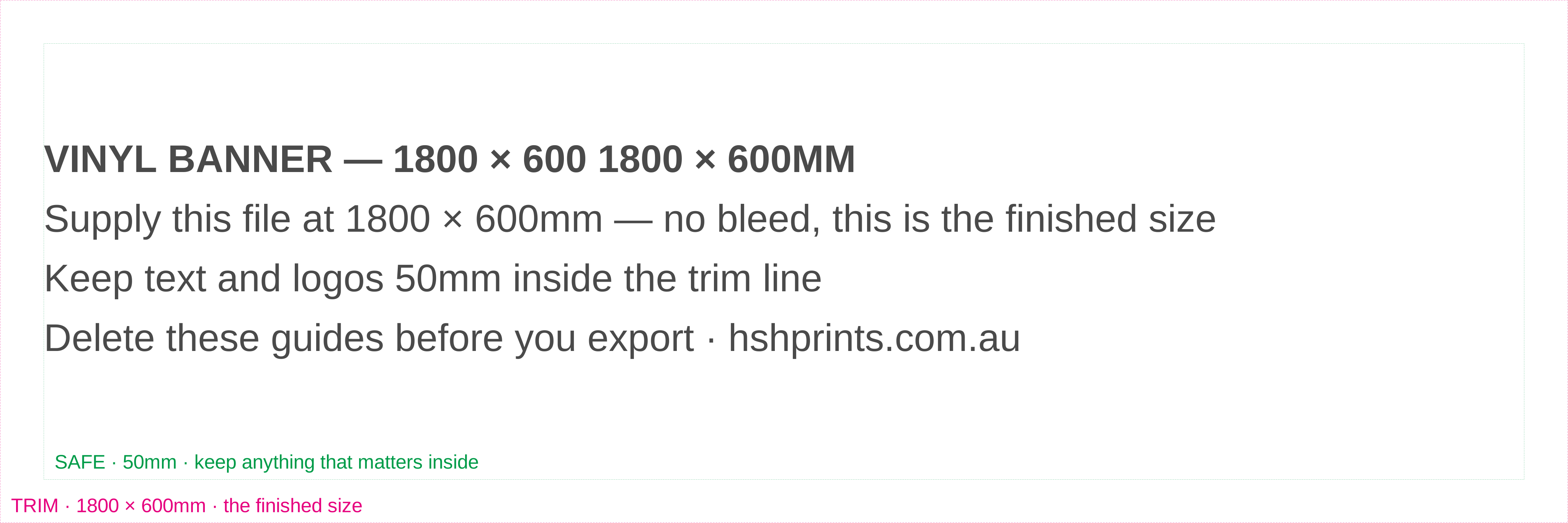
The fence banner. Hemmed and eyeletted, so the outer 50mm is hem, not artwork.
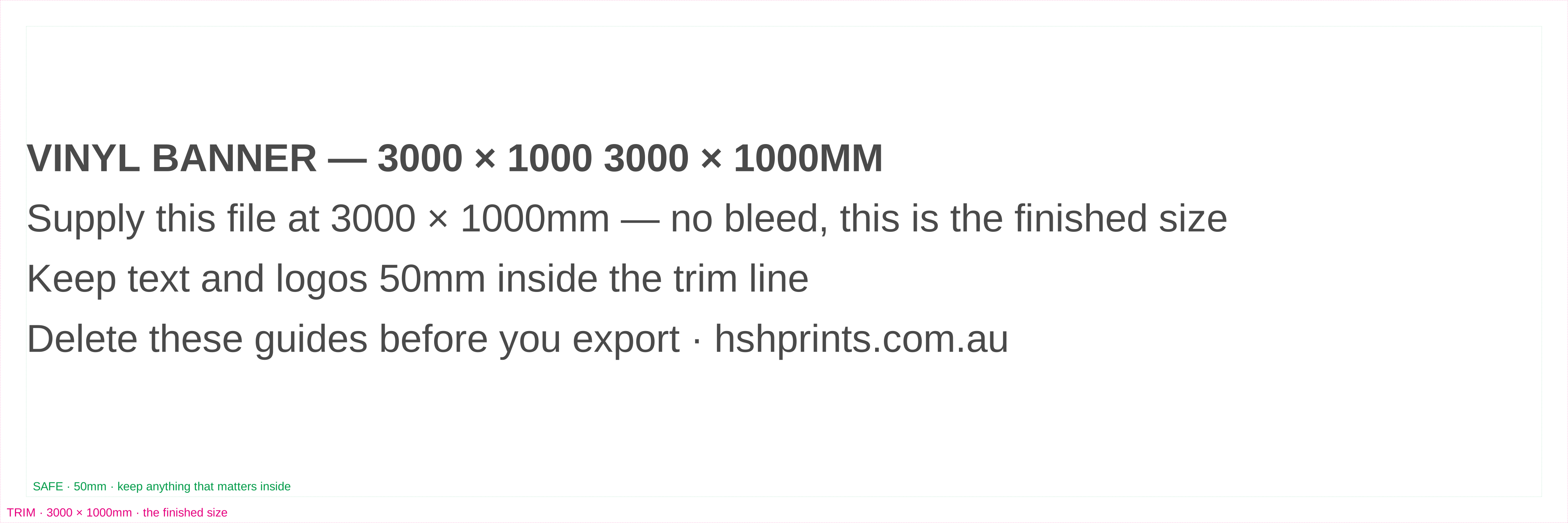
Three metres across a scaffold or a building front. Same 50mm hem all round.
Sewn, not cut, so the bleed is uneven: about 30mm at the sides for the wrap and 42–52mm top and bottom for the sleeve and hem. Sizes are the ones these are actually made at.
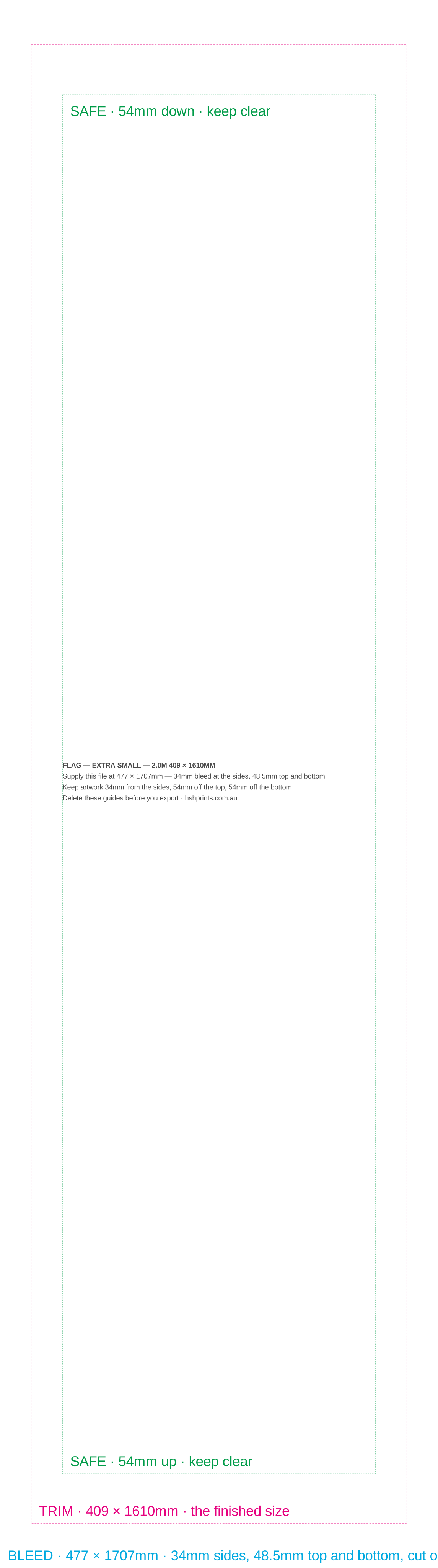
The 2m flag, for a footpath or a stall where the flag stands close to people.
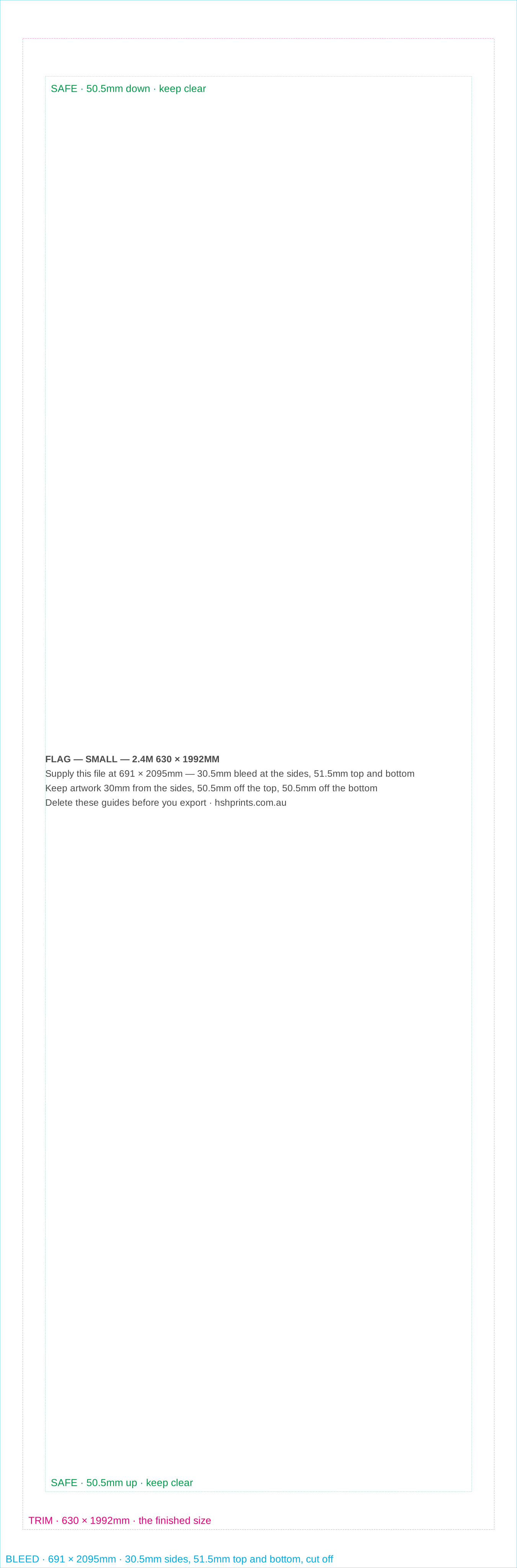
A wider skin than the extra small, so a logo reads from further back.
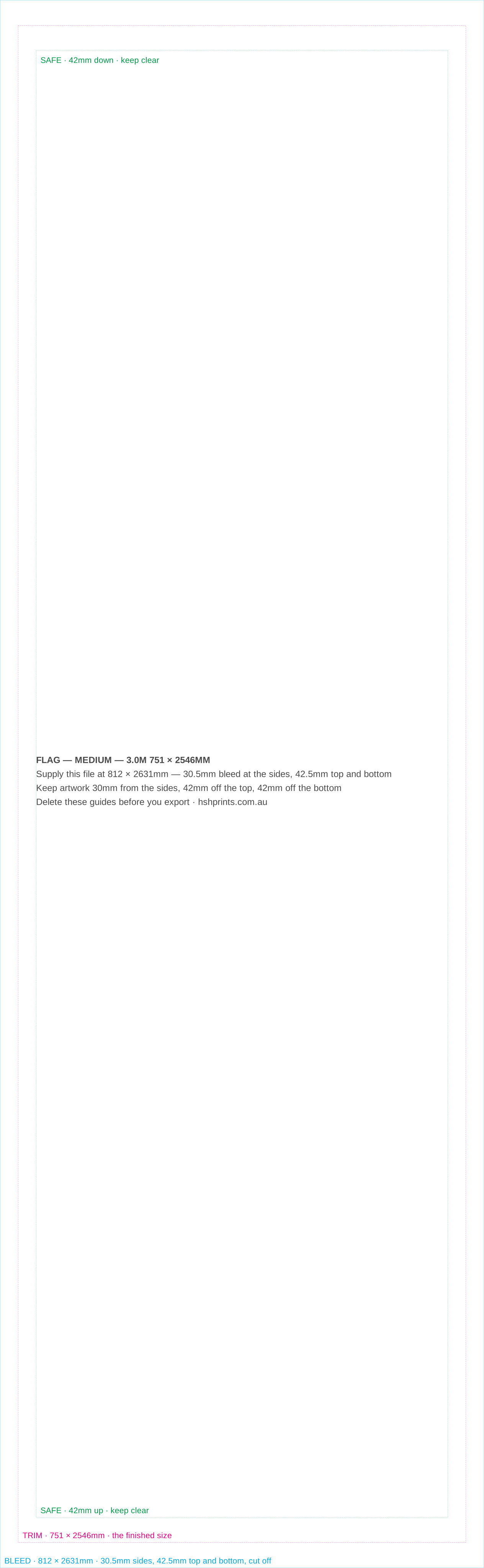
The most ordered size, and the one most artwork is drawn for.
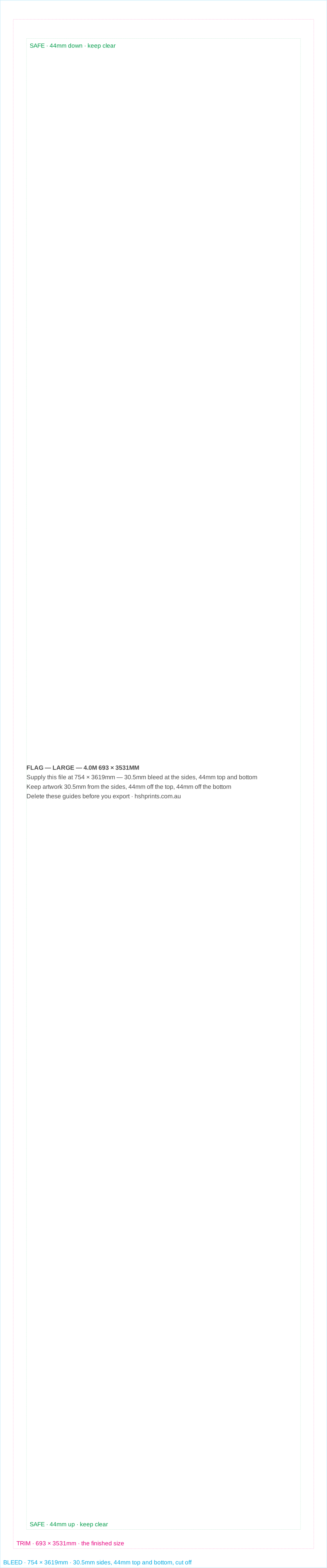
Tall rather than wide. Set type large and keep it to the upper half.

Five metres. Read from across a car park, so almost nothing but a name fits.
Free · PDF and SVG · the die, the safe area and the bleed marked
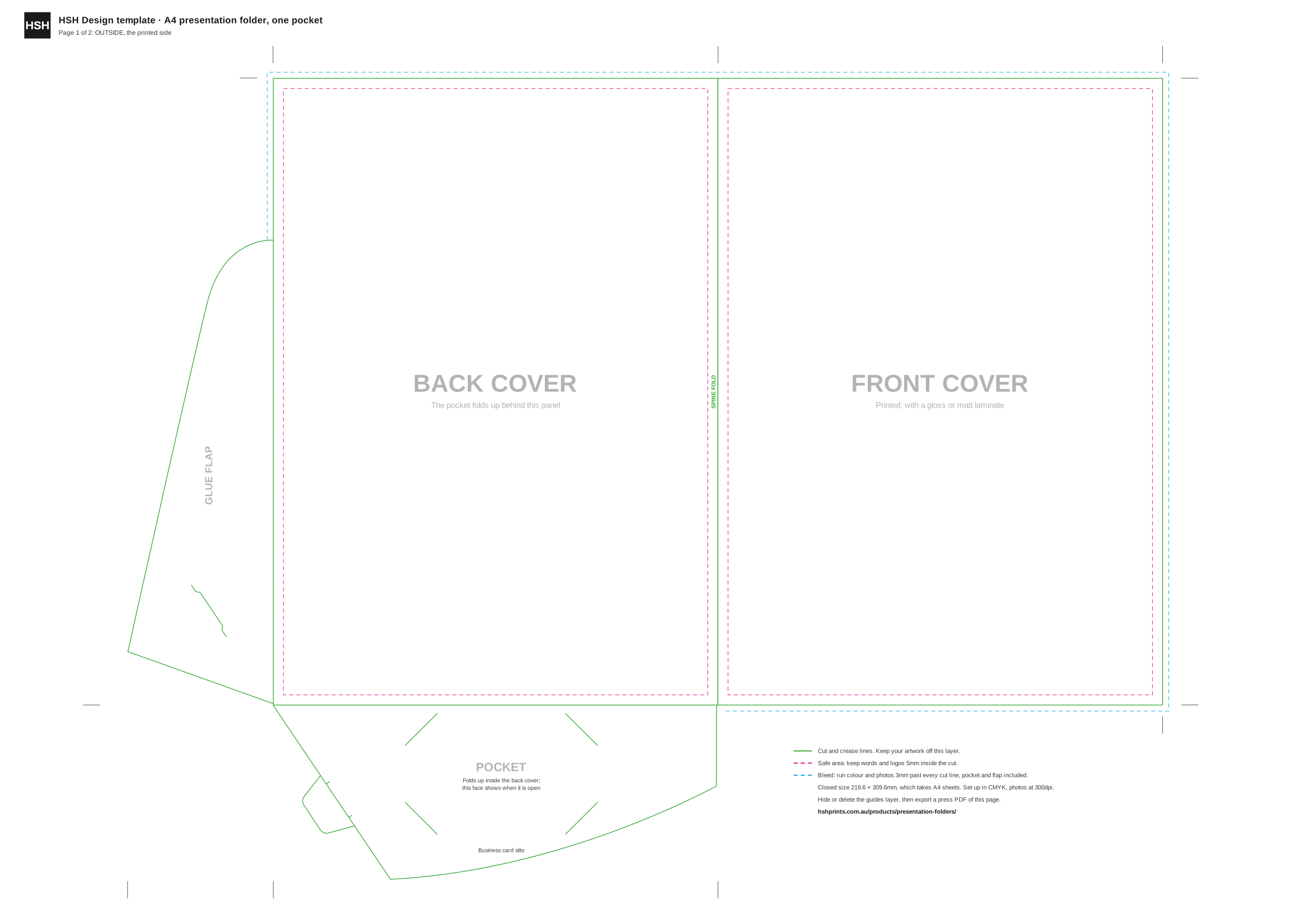
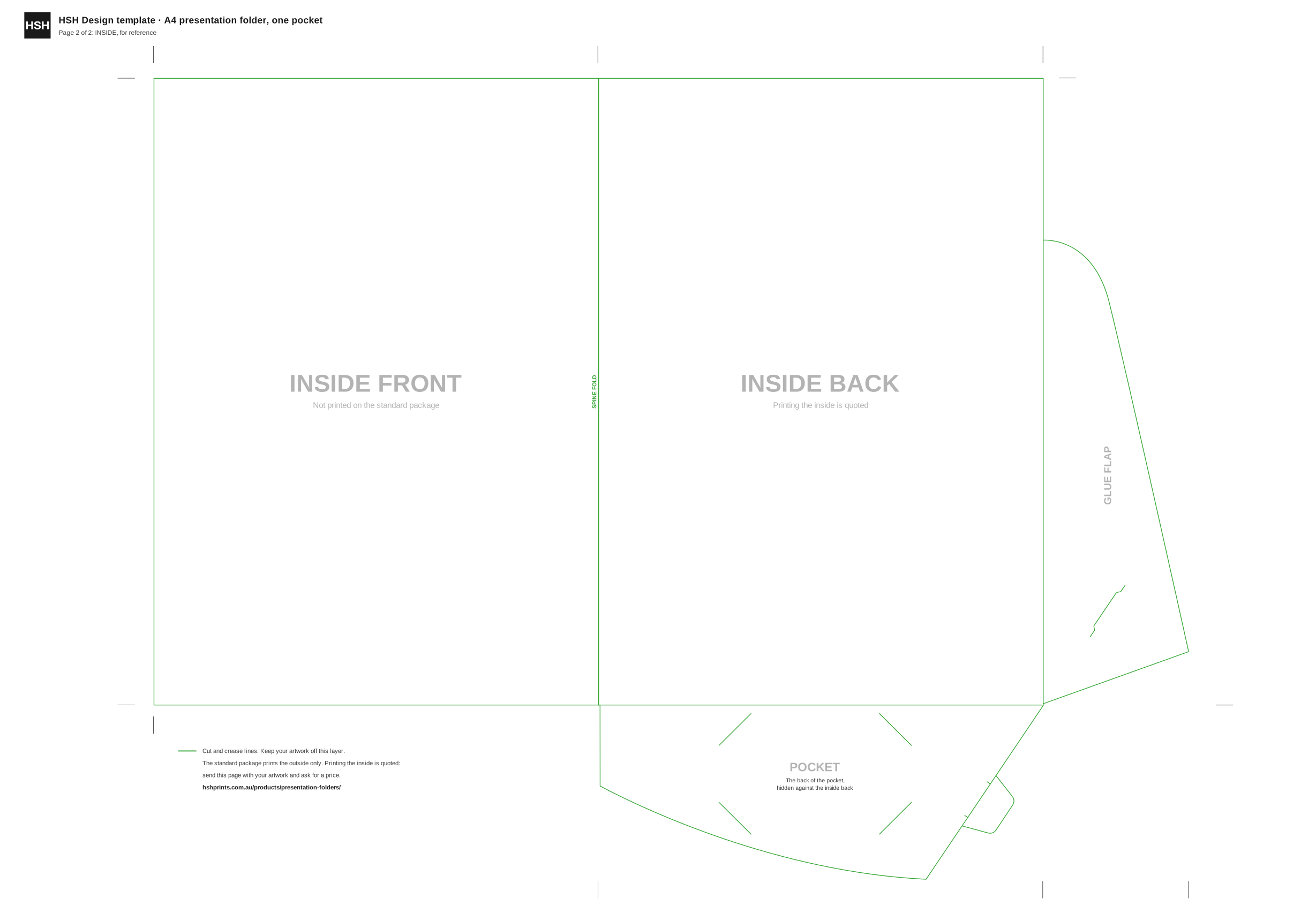
The die the folder is cut on, with the covers, the pocket, the glue flap and the card slits named. Page one is the outside, the side that is printed.
Set your canvas to the middle column
| Product | Finished flat size | Make your canvas | Bleed | Keep text in by |
|---|---|---|---|---|
| Business card Landscape | 90 × 55mm | 96 × 61mm | 3mm | 4mm |
| Business card Portrait | 55 × 90mm | 61 × 96mm | 3mm | 4mm |
| DL flyer Flat | 99 × 210mm | 105 × 216mm | 3mm | 4mm |
| A6 Postcard | 105 × 148mm | 111 × 154mm | 3mm | 4mm |
| A5 Flyer | 148 × 210mm | 154 × 216mm | 3mm | 4mm |
| A4 Sheet | 210 × 297mm | 216 × 303mm | 3mm | 4mm |
| A3 Poster | 297 × 420mm | 303 × 426mm | 3mm | 4mm |
| A4 to DL Roll fold folds 98 / 99 / 100mm to 100 × 210mm | 297 × 210mm | 303 × 216mm | 3mm | 4mm |
| A4 to DL Z fold folds 99 / 99 / 99mm to 99 × 210mm | 297 × 210mm | 303 × 216mm | 3mm | 4mm |
| A4 to A5 Half fold folds 148.5 / 148.5mm to 148.5 × 210mm | 297 × 210mm | 303 × 216mm | 3mm | 4mm |
| A3 to A4 Half fold folds 210 / 210mm to 210 × 297mm | 420 × 297mm | 426 × 303mm | 3mm | 4mm |
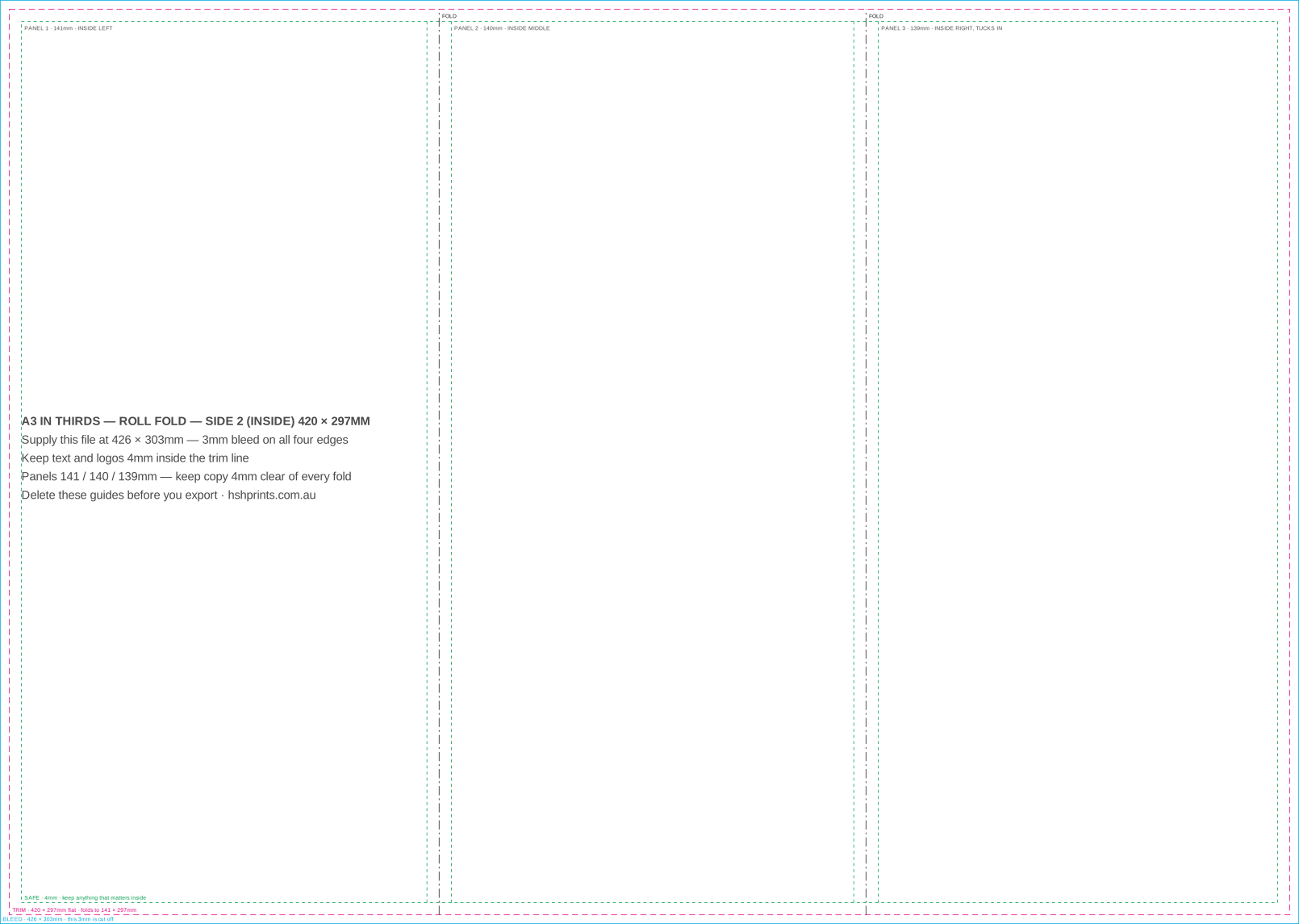
| A3 in thirds Roll fold folds 139 / 140 / 141mm to 141 × 297mm | 420 × 297mm | 426 × 303mm | 3mm | 4mm |
| A3 in thirds Z fold folds 140 / 140 / 140mm to 140 × 297mm | 420 × 297mm | 426 × 303mm | 3mm | 4mm |
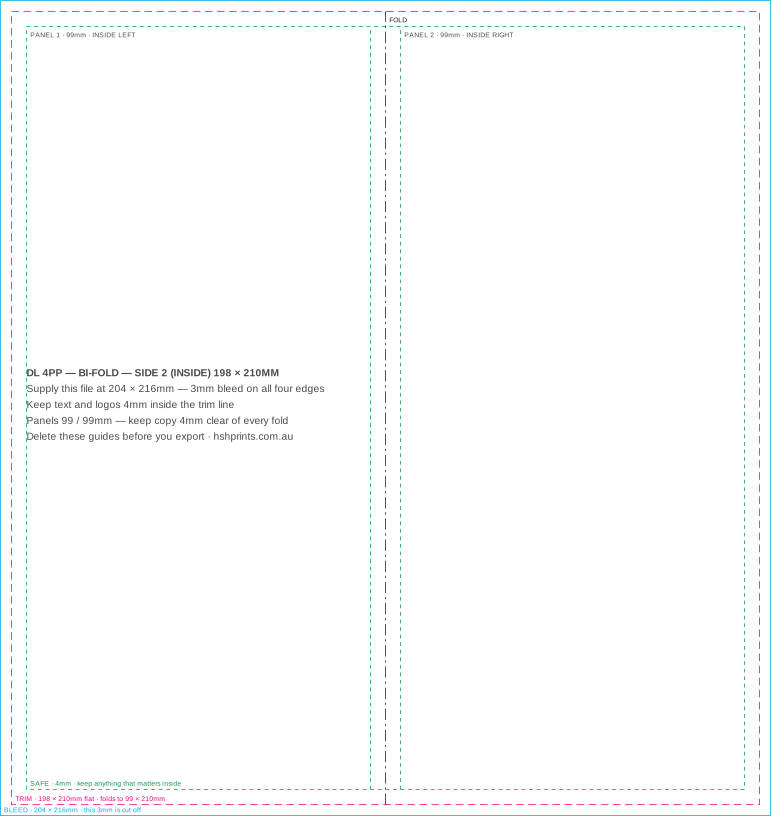
| DL 4pp Bi-fold folds 99 / 99mm to 99 × 210mm | 198 × 210mm | 204 × 216mm | 3mm | 4mm |
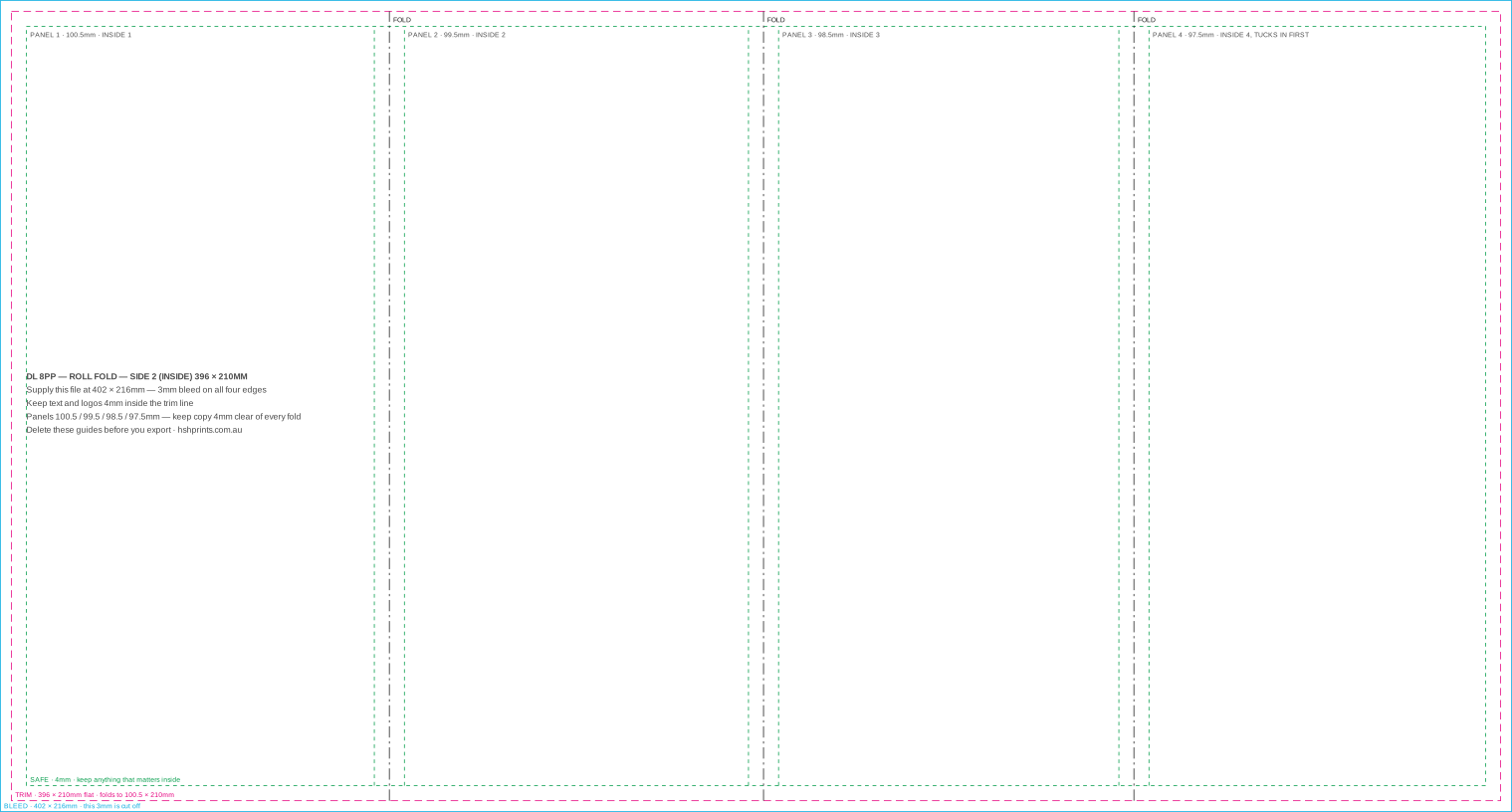
| DL 8pp Roll fold folds 97.5 / 98.5 / 99.5 / 100.5mm to 100.5 × 210mm | 396 × 210mm | 402 × 216mm | 3mm | 4mm |
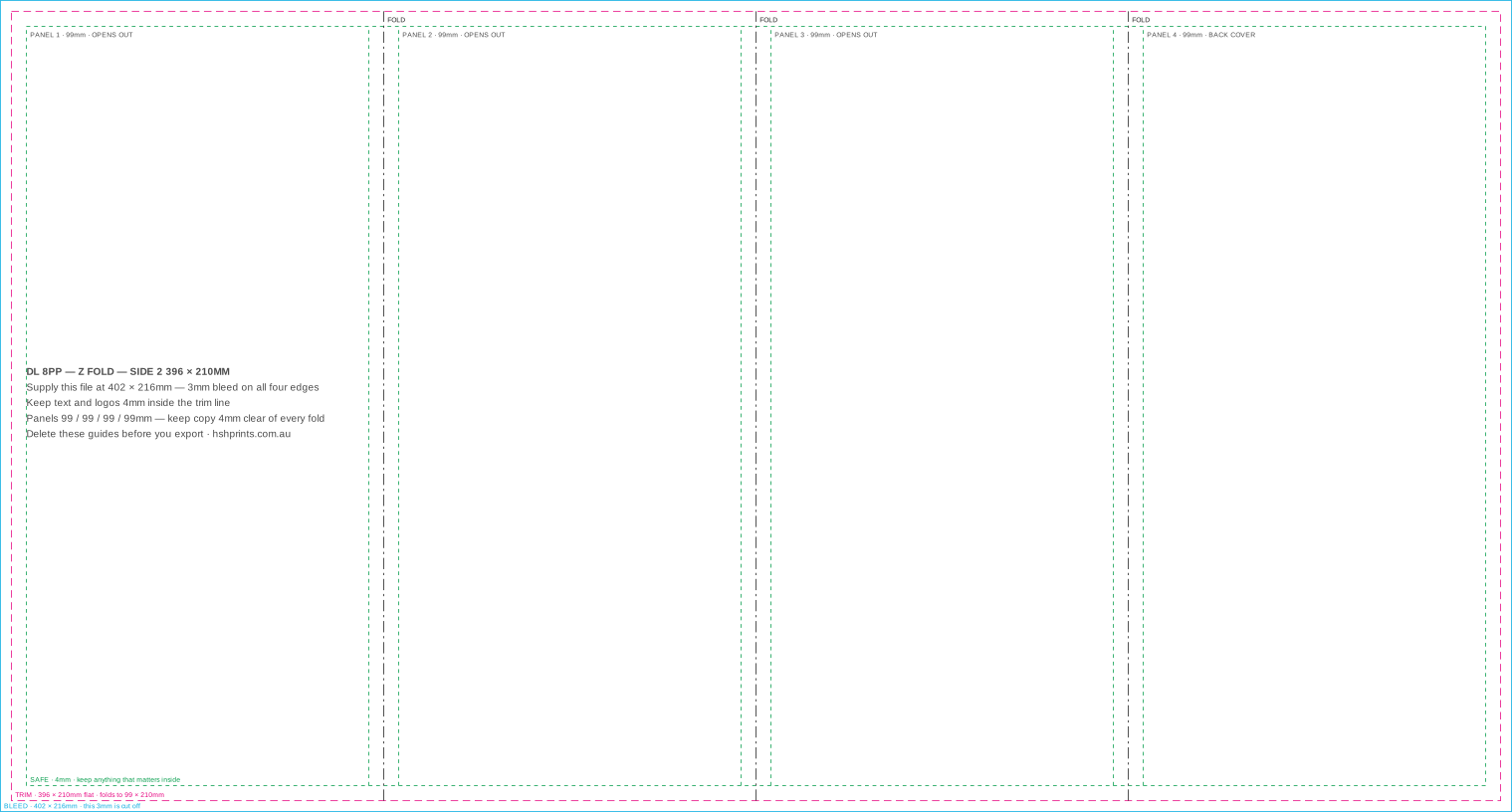
| DL 8pp Z fold folds 99 / 99 / 99 / 99mm to 99 × 210mm | 396 × 210mm | 402 × 216mm | 3mm | 4mm |
| Pull-up banner Standard size | 850 × 2000mm | 850 × 2000mm | none | 15 / 50 / 100mm |
| A2 Poster | 420 × 594mm | 426 × 600mm | 3mm | 10mm |
| A1 Poster · welcome board | 594 × 841mm | 600 × 847mm | 3mm | 10mm |
| A0 Poster | 841 × 1189mm | 847 × 1195mm | 3mm | 10mm |
| Swing tag Rectangle | 55 × 90mm | 61 × 96mm | 3mm | 3mm |
| Swing tag Banner, cut corners | 55 × 90mm | 61 × 96mm | 3mm | 3mm |
| Swing tag Round | 70 × 70mm | 76 × 76mm | 3mm | 3mm |
| Corflute 600 × 900 portrait | 600 × 900mm | 610 × 910mm | 5mm | 15mm |
| Corflute 900 × 600 landscape | 900 × 600mm | 910 × 610mm | 5mm | 15mm |
| Corflute 1200 × 900 | 1200 × 900mm | 1210 × 910mm | 5mm | 15mm |
| A-frame panel 600 × 900 | 600 × 900mm | 610 × 910mm | 5mm | 20mm |
| Premium A-frame panel 600 × 900 | 600 × 900mm | 610 × 910mm | 5mm | 20mm |
| Premium A-frame panel 900 × 1200 | 900 × 1200mm | 910 × 1210mm | 5mm | 20mm |
| Vinyl banner 1800 × 600 | 1800 × 600mm | 1800 × 600mm | none | 50mm |
| Vinyl banner 3000 × 1000 | 3000 × 1000mm | 3000 × 1000mm | none | 50mm |
| Flag Extra small — 2.0m | 409 × 1610mm | 477 × 1707mm | 34 / 48.5mm | 34 / 54 / 54mm |
| Flag Small — 2.4m | 630 × 1992mm | 691 × 2095mm | 30.5 / 51.5mm | 30 / 50.5 / 50.5mm |
| Flag Medium — 3.0m | 751 × 2546mm | 812 × 2631mm | 30.5 / 42.5mm | 30 / 42 / 42mm |
| Flag Large — 4.0m | 693 × 3531mm | 754 × 3619mm | 30.5 / 44mm | 30.5 / 44 / 44mm |
| Flag Jumbo — 5.0m | 752 × 4523mm | 813 × 4612mm | 30.5 / 44.5mm | 30 / 42 / 42mm |
Landscape and portrait are the same file turned. For a landscape A4 poster, swap the two numbers — make the canvas 303 × 216mm instead of 216 × 303mm.
Guide PDF
The page with every line drawn and labelled. Open it, design on top of it, then delete the guides layer before you export. In Illustrator, Affinity and Acrobat the guides arrive as one named layer called HSH GUIDES, so removing them is one click.
SVG
The same drawing, editable, for Illustrator, Affinity, Inkscape or Figma. The guides are one group called guides. Also the version to import if your tool will not place a PDF.
Blank PDF
An empty page at exactly the supply size, with the trim and bleed boxes set and not one line drawn on it. It looks blank because it is blank — that is the point. Open it and start.
The path most people are on — Word too, if that is your tool
Custom size, mm, and use the middle column of the table above — 96 × 61mm for a business card, 216 × 303mm for A4. Not the finished size. This canvas already includes the bleed.
Anything meant to reach the edge of the finished piece has to run past the edge of the canvas. If it stops short, you get a white hairline on some of the run and not others, which looks worse than a consistent border.
That is 3mm of bleed plus the 4mm safe area. Drop the guide SVG in as a background layer while you work if you want to see it, then delete that layer before you export.
Your canvas already contains the bleed. Ticking a bleed option as well adds a second one, which moves the trim to the wrong place — and that mistake is invisible on screen. Do one or the other, never both.
If your software does understand bleed
Use the trim size as your document size and set 3mm of bleed in the document setup, rather than building a page at the supply size. You will get the same PDF out, and you keep a real trim box and real bleed guides while you work.
Open the guide PDF as a reference if you want the safe area drawn for you. Place it on its own layer, lock the layer, and delete it before you export — or open the blank PDF instead, which has nothing on it to forget about.
Export to PDF with bleed included and marks off. We do not need crop marks: the trim box tells us where the cut goes, and a file whose page is the bleed size with a correct trim box is unambiguous in a way drawn marks are not.
Sharpness
A logo that looks fine on screen can be 72dpi. Check what it actually measures at the printed size.
Colour
Bright screen blues and greens do not exist in ink. Convert first so you choose the shift, not the press.
Type
A font that is not in the file gets substituted, and the first you know is the proof.
Margins
The most common rejection is not missing bleed. It is text sitting too close to the trim.
Make the canvas 96 × 61mm for a card that finishes at 90 × 55mm. That is 3mm of bleed on all four edges. Keep text and logos at least 4mm inside the 90 × 55mm trim line, which works out at 7mm in from the edge of your 96 × 61mm canvas. The free business card template above has all three lines drawn on it, and business cards start at $119 for 500.
Yes, by making the canvas bigger. Canva cannot express bleed as a separate setting, so set a custom size in millimetres at the supply size — 96 × 61mm for a business card, 216 × 303mm for A4 — and run backgrounds off every edge. When you export, do not also tick a crop-marks-and-bleed option: your canvas already contains the bleed, and adding a second one moves the trim to the wrong place.
Because the page is already the bleed size, there is nowhere outside it to put marks. The PDF instead carries a trim box, which is the machine-readable version of the same information and is what a press actually reads. If you have a finished file that needs marks drawn onto it, our bleed and trim marks tool adds them in your browser.
Supply a pull-up banner at 850 × 2000mm with no bleed — the media is printed to the finished width. Keep everything that matters 15mm in from each side, 50mm down from the top and 100mm up from the bottom: the top goes into the rail and the bottom rolls into the cassette, so neither is visible once the banner is standing. The artwork still has to fill those zones, or a white strip shows when it is pulled up. Pull-up banners start at $160.
On a roll fold the panels wrap inside each other, so each panel has to be a millimetre narrower than the one it tucks into or it buckles against the fold. An A4 folded to DL is 100 / 99 / 98mm; an 8pp DL is 100.5 / 99.5 / 98.5 / 97.5mm. On the reverse that order mirrors — the narrowest panel, the flap that tucks in, sits on the left of side one and on the right of side two, and the front cover is the widest panel, on the right of side one. A Z fold concertinas instead, nothing wraps anything, so every panel is an equal 99mm. Every fold style above gets its own template, with a page per side.
396 × 210mm flat, which is four DL panels side by side, and 402 × 216mm once you add 3mm of bleed on every edge. It folds down to DL, 99 × 210mm. Eight pages means four panels a side, and how they fold decides the panel widths: a roll fold steps them 100.5 / 99.5 / 98.5 / 97.5mm because each one tucks inside the last, a Z fold keeps all four at 99mm because nothing tucks. Both 8pp DL templates are above. Set the whole 396mm sheet up as one canvas rather than four DL files — artwork that crosses a fold has to be continuous, and four separate files cannot be.
198 × 210mm flat — two DL panels — and 204 × 216mm with bleed. It folds down the middle to 99 × 210mm, giving four pages. Nothing wraps anything on a single crease, so both panels are an equal 99mm and there is no narrow panel to get the wrong way round. Keep copy 4mm clear of the centre fold on both sides: a score line through a word is the one thing you cannot fix after folding.
Yes, but not through the cart yet. Brochures price an A4 or A3 sheet folded in half or in thirds — half fold, Z-fold or roll fold — and a DL bi-fold or an 8pp DL is a different amount of paper and a different fold sequence, so it is quoted rather than priced online. Send the job through the quote form with the quantity and stock and you will have a price back the same way every other quote comes back. The templates above are free either way and are the same files we would send you.
Yes. Every order is checked before it goes to press and you see a proof before anything runs, so a file with a bleed problem gets picked up and fixed rather than printed. The templates and the free tools exist so you can find that out in thirty seconds instead of waiting for us to tell you, but nothing here is a hoop you have to jump through before ordering. And if the artwork will not sit right in the template, or something one of the tools produced is not right, send it over — we set the file up properly for print at no charge when the job is printed with us, and there is no setup fee on top of the print price.
Tool last updated .