Guide · artwork & materials
How big should a QR code be to scan?
Most advice answers this with a single number, and the single number is wrong, because it depends on something nobody mentions: how much you asked the code to carry. Here is the actual arithmetic, in three lines, and what it means for the sticker you order.
The one number that decides it
Millimetres per module
A QR code is a grid of small squares. Each square is called a module, and a scanner has to resolve one module to read the code at all. So the question is never “how big is the code” — it is how big is one module.
Three lines get you there:
modules across = (4 × version + 17) + 8 for the quiet border
mm per module  = printed width ÷ modules across
The version is how much data the code carries, from 1 (a very short payload) upward. Every extra version adds four modules in each direction. That is the part people miss: a longer web address does not make a bigger code, it makes a denser one at the same size, and density is what fails.
The quiet border is four modules of blank paper on every side. It is not decoration and it cannot be trimmed to save room: it is how a scanner finds where the code stops.
What we print for this
Proofed before they run
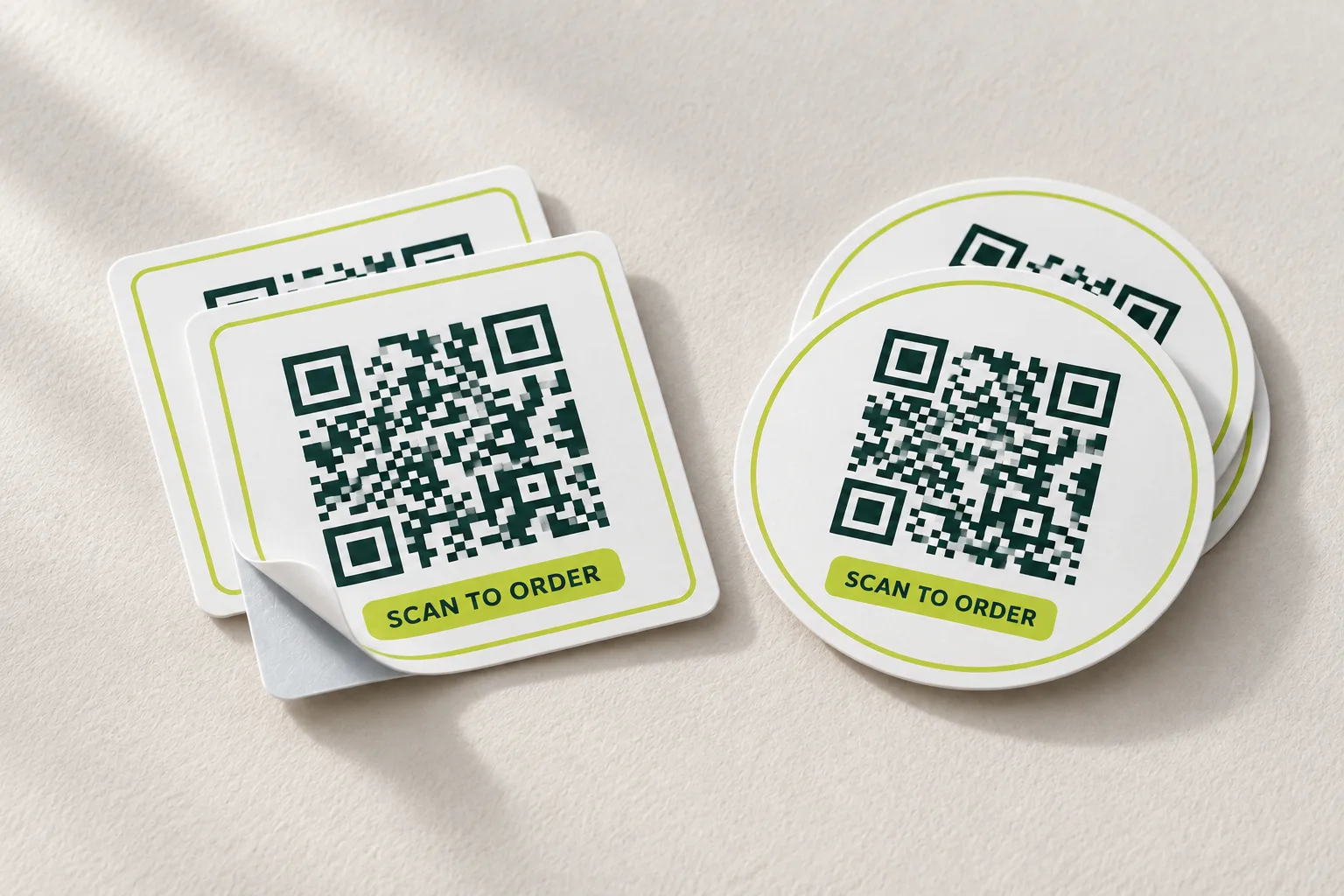
What that looks like in practice
A 50 × 50mm sticker
A 50mm sticker gives the code about 43mm once the white margin is allowed for. Same sticker, same ink, three different addresses:
| Web address | Version | Modules | Per module | Reads? |
|---|---|---|---|---|
| hshprints.com.au | 3 | 37 | 1.16mm | Comfortably |
| hshprints.com.au/products/stickers | 5 | 45 | 0.96mm | Comfortably |
| …the same, with campaign tracking after it | 9 | 61 | 0.70mm | Marginal |
Nothing changed but the characters after the slash, and the code went from easy to marginal. This is why a tracking link pasted straight onto a small sticker is the most common reason a printed code disappoints — it worked on the designer's screen, at 400mm across.
The fix is almost always a shorter address, not a bigger sticker. A short link, or a page at the top of your site rather than six levels down, buys more than doubling the sticker does.
Sizes by where it lives
Distance first
The other half is distance. A rough working rule for codes is that the whole code wants to be about a tenth of the distance it is read from — a code read at a metre wants to be around 100mm. That gives the sizes we sell:
| Where it lives | Read from | Code | Sticker |
|---|---|---|---|
| Handed over, a receipt, a product label | arm's length | 25mm | 50 × 50mm |
| A table, a counter, a menu holder | 30–50cm | 35mm | 65 × 65mm or 85 × 85mm |
| A door, a window, a noticeboard | 1 metre | 50mm | 80 × 110mm and up |
| A fence, a hoarding, an A-frame | 2 metres | 100mm | Not a sticker — corflute |
Add a step if the code will be scanned in poor light, through glass, at an angle, or on a curved surface like a bottle or a cup. Those are all real conditions and they all eat the same margin.
Why a code with a logo needs more room
The error correction is not free
QR codes carry error correction, and at the highest level roughly 30% of the code can be damaged and still read. That is what lets a logo sit in the middle: the modules it covers are treated as damage and rebuilt.
But it is one budget, and everything spends from it. A logo spends it directly. Rounded or dot-shaped modules spend a little by putting less ink in each square. Printing spends some through ink spread on vinyl, and the scan itself spends some through camera noise and angle. So a code with a logo needs each module bigger than a plain one does, which is why our configurator holds a branded code to a stricter figure and says so at the field rather than after you have paid.
There is a second limit that has nothing to do with the budget. Some codes carry a small alignment pattern in the exact middle — the thing a scanner uses to work out that it is looking at the code on an angle. We will not print a logo over one. In practice that means a branded code wants a destination of around 58 characters or fewer, and a short link is the usual fix.
Test it before you print it
The only check that counts
Every number above is a prediction. The test is a phone. Put the code on a screen at the size it will be printed, stand where the reader will stand, and try it — with an old phone if you have one, because the newest camera is not the one it has to work on.
Our QR code stickers put a working code on the page as you type, so you can do exactly that before ordering — and you can do it without giving us anything.
Common questions
What is the smallest a QR code can be?
About 20mm square, and only with a very short destination. Below that you are relying on the reader having a good camera and a steady hand. 25mm with a short address is the smallest we would put on a product; 35mm is the smallest we would put on a table.
Does the colour affect whether it scans?
Yes. Dark on light, always, and dark enough — we hold ink to a contrast of 7:1 against white, which is stricter than the rule for body text, because a camera has less to work with than an eye and colours print lighter on vinyl than they look on a backlit screen. Never invert a code, and never put one on a tinted background.
Can I shrink the white border?
No. The four-module quiet border is how a scanner finds the code's edge. It is the first thing a designer trims and the first reason a code stops working.
Why did my code work on screen but not when printed?
Almost always density: the address was long, so the code was fine at 300mm on a monitor and marginal at 40mm on paper. Occasionally it is contrast, or a quiet border cropped by the cutter. Our stickers refuse the combinations that cause it rather than warning you about them.
Should I use a code that lets me change the destination later?
Only if you trust whoever runs the redirect to keep it alive for as long as the sticker exists. The day it lapses, every code ever printed with it goes blank. We print static codes that point straight at your address, so nothing of ours has to survive for yours to keep working.
Is there a quick way to make a QR sign at the right size?
The free QR-code sign maker checks this for you: it lays the code out for an A6, A5 or A4 sign and tells you how wide each square will print against the 0.6mm a phone needs.
Related
Last updated .